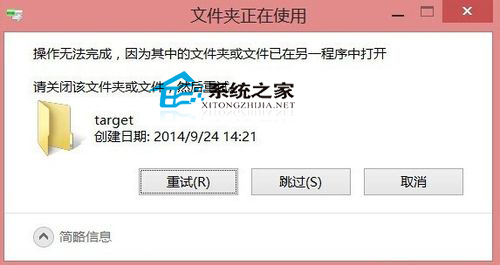
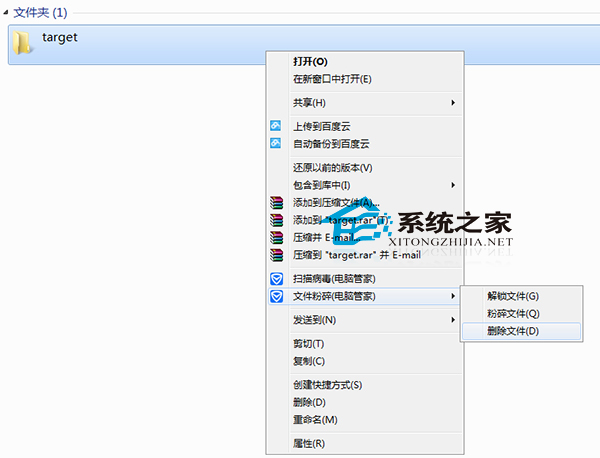
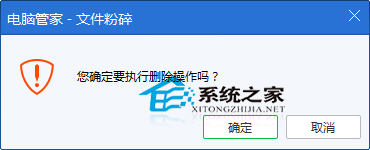
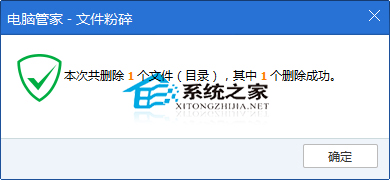
嘗試刪除資料夾時提示「資料夾正在使用中」,Win10 系統下可透過安全軟體的「檔案粉碎」功能強力刪除。
此法能有效解決系統鎖定檔案導致無法刪除的問題,操作簡單且安全。
Windows 10 休眠選項不見了?CMD 啟用休眠並加入電源選單完整教學
Win10 滑鼠右鍵反應遲鈍/無回應的解決方法
Win10 控制台在哪?兩種最快開啟方法:開始選單與搜尋直達
Win10 IE 瀏覽器如何取消使用者名稱密碼自動填入?Internet 選項關閉表單自動完成
Win10 開機加速全攻略:硬體升級 SSD 為王,軟體優化啟動項/垃圾清理/系統細節三管齊下
Win10 徹底停用迅雷看看開機自啟:刪除註冊表 ShellIconOverlayIdentifiers 項目
Win10 C 槽空間暴跌?善用內建「磁碟清理」釋放數 GB 空間
Windows 10 開機緩慢且出現 0xC0000001 錯誤:電源驅動程式更新修正法