Windows XP Windows 7 Windows 2003 Windows Vista Windows 綜合教學 Linux 系統教學
Windows 10 Windows 8 Windows 2008 Windows NT Windows Server 電腦軟體教學

Win10 Insider Preview 如何升級 Build 10547?完整圖文教學(需 Fast Ring)

編輯:Windows 10 系統介紹

前置條件

  • 已安裝 Win10 正式版 (10240 或更新版本)。
  • 已加入 Windows Insider 計劃並登入 Microsoft 帳號。
  • 更新通道設為「快速」 (Fast Ring)。

升級步驟

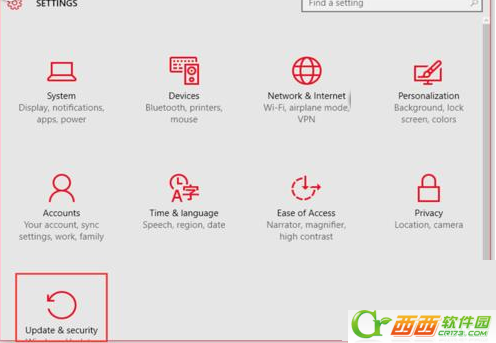
  1. Win + I 開啟設定 → 「更新與安全性」。
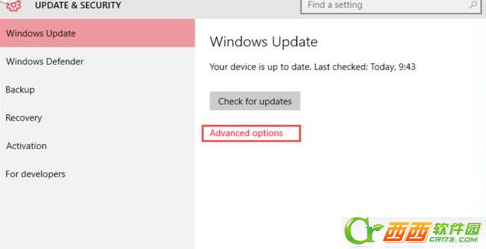
  2. 點選「進階選項」。
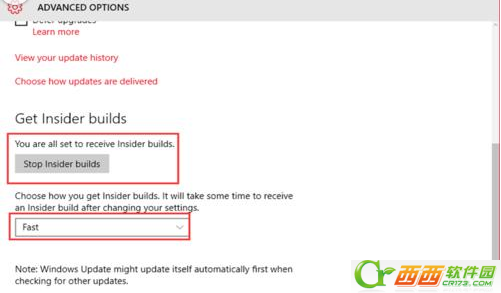
  3. 確認顯示「You are all set to receive Insider builds」且下方為「Stop Insider builds」;下拉選單選「Fast」。
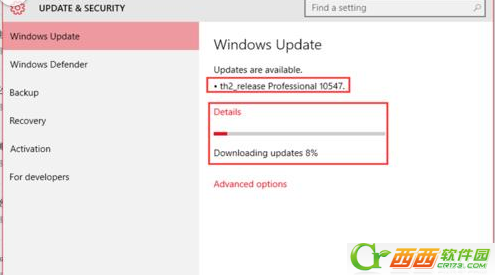
  4. 返回「更新與安全性」主頁,系統自動偵測下載 th2_release Professional 10547。
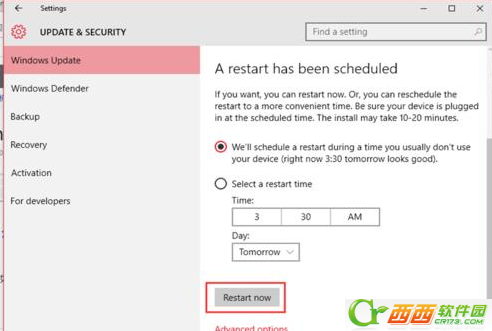
  5. 下載完成自動安裝,出現「排程重新啟動」→ 選「立即重新啟動」。
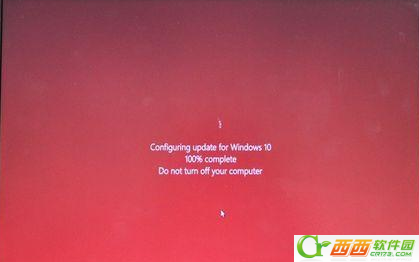
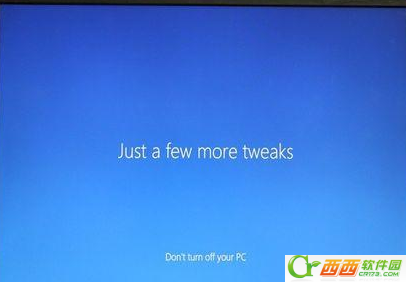
  6. 重開機經過「設定更新 100%」→ 進入桌面 → 右下角版本號顯示 10547 即成功。

更新與安全性-進階選項

Insider 設定-Fast Ring

選擇 Fast 通道

偵測到 10547 更新

排程重新啟動

設定更新進度

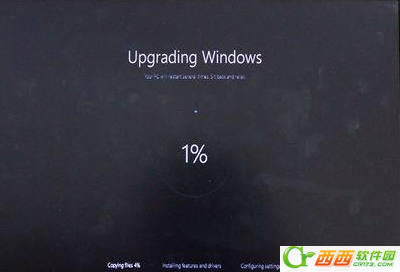
安裝更新過程

系統配置介面

配置完成

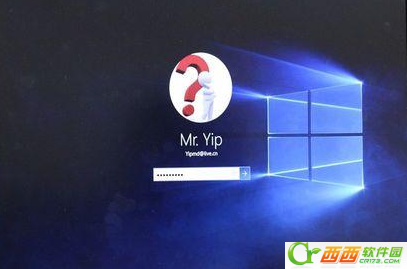
最終桌面

版本號確認

右下角版本號 10547

注意事項

  • Fast Ring 更新較頻繁但穩定度較低,重要工作機建議改 Slow/Release Preview。
  • 升級前建議備份重要資料、建立還原點。
  • 若長時間未收到推送,可在「更新與安全性」點「檢查更新」手動觸發。
Copyright © Windows教程網 All Rights Reserved