ie 或 internet explorer (不分大小寫)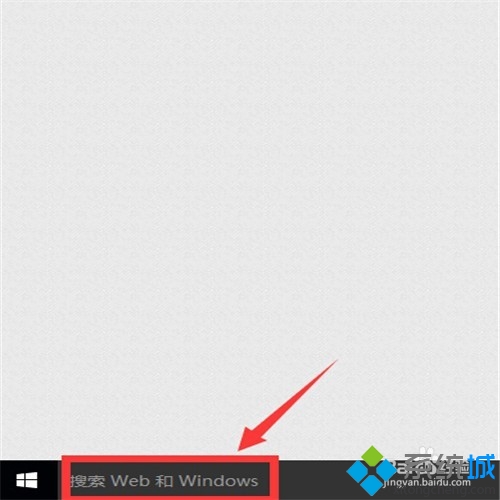
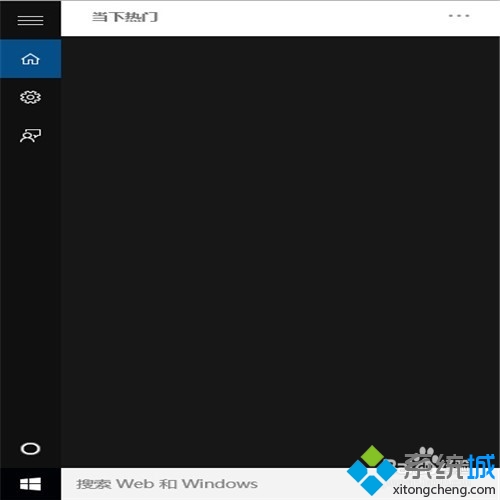
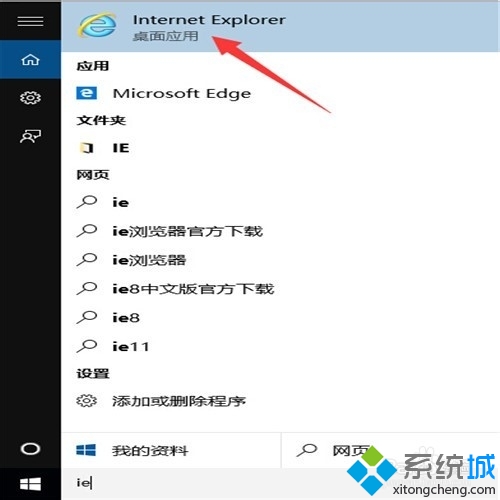
步驟 1-2:搜尋框輸入 ie
搜尋結果顯示 IE (標示傳統型應用程式)
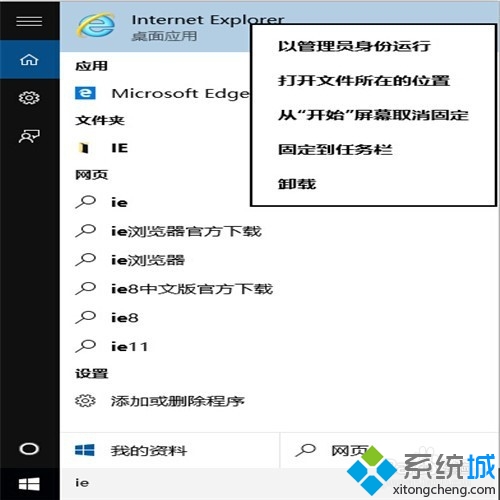
步驟 3-4:右鍵 IE → 選擇「釘選到工作列」
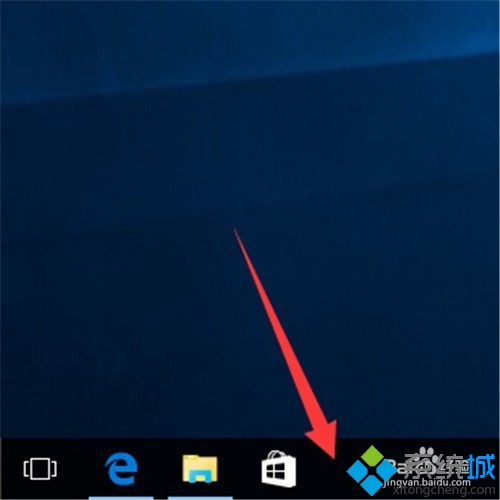
IE 圖示已出現在工作列
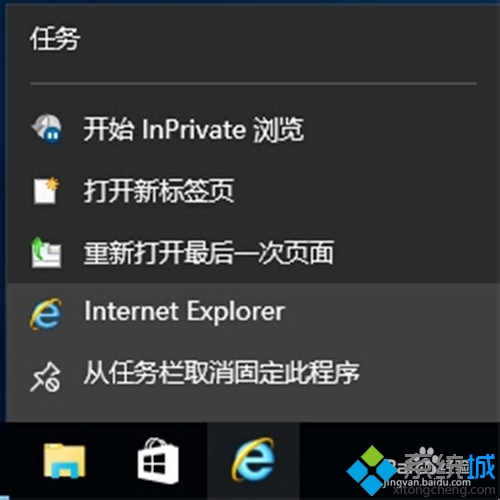
右鍵工作列 IE → 「從工作列取消釘選」
確認取消釘選
C:\Program Files\Internet Explorer\iexplore.exe (64位) / C:\Program Files (x86)\Internet Explorer\iexplore.exe (32位)