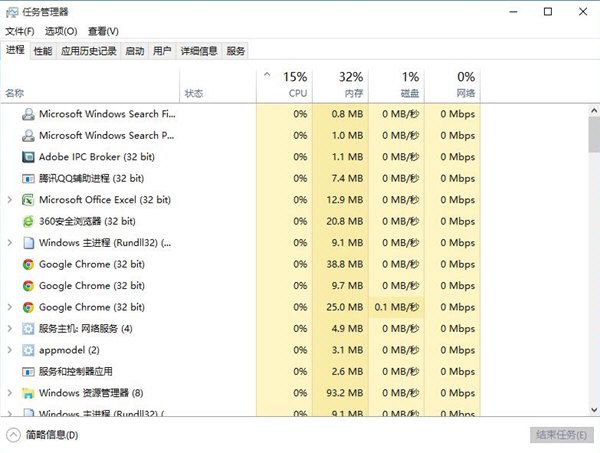
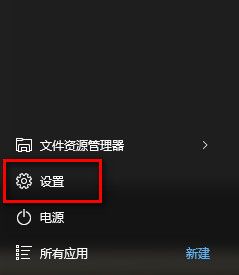
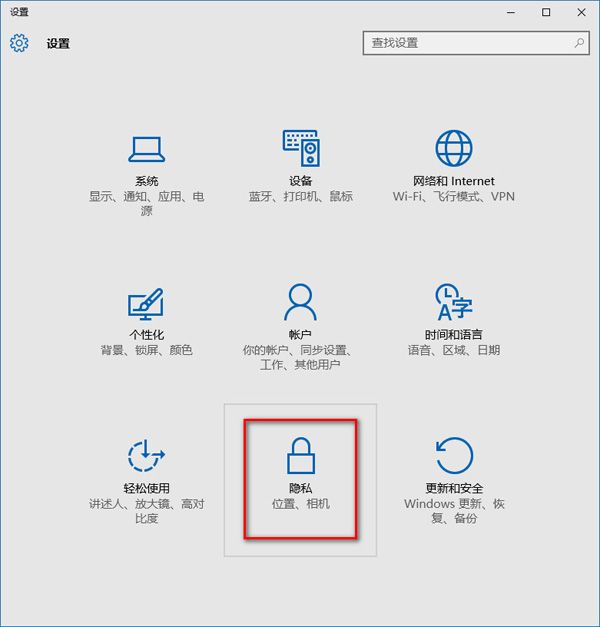
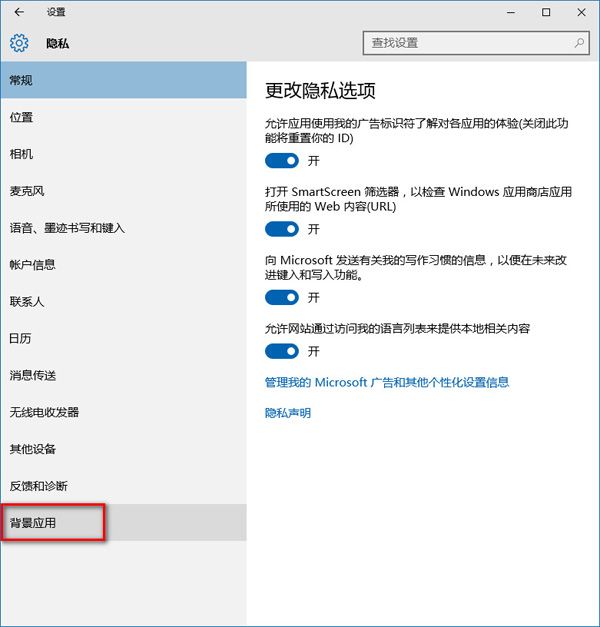
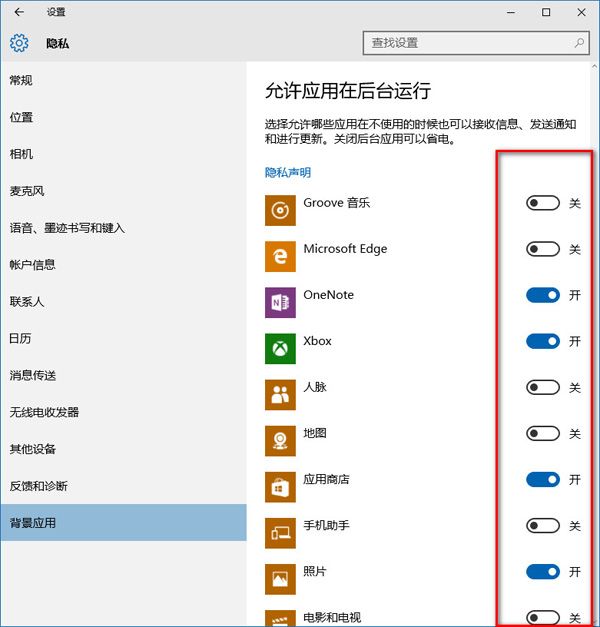
背景應用程式會在無感知情況下消耗系統資源,導致電腦變慢。Win10 內建設定可輕鬆關閉:
Win10 首次開機黑畫面過久?登錄表關閉 ULPS 電源管理加速開機
升級 Win 10 後網速變慢、佔用頻寬?關閉 P2P 更新分享功能省流量
Win10 Edge 瀏覽器如何將新聞加入閱讀清單?離線也能看
Win10 右鍵選單太寬?登錄修改讓選單變窄(瘦身)
Win10 開始選單無法開啟?重新啟動桌面視窗管理器進程修復
Win10 安裝提示「檔案可能損毀」錯誤 0x80070570 解決方案
Windows 10 啟用 WLAN AutoConfig 服務恢復無線網路功能
Win10 快速啟動設定教學 (重複內容優化版):電源選項開啟/關閉、完全關機技巧