Win10 首次開機或特定硬體配置下,開機過程出現漫長黑畫面,常因顯示卡驅動 ULPS (Ultra Low Power State) 電源管理功能導致延遲。透過登錄表停用 ULPS 可顯著縮短黑畫面時間。
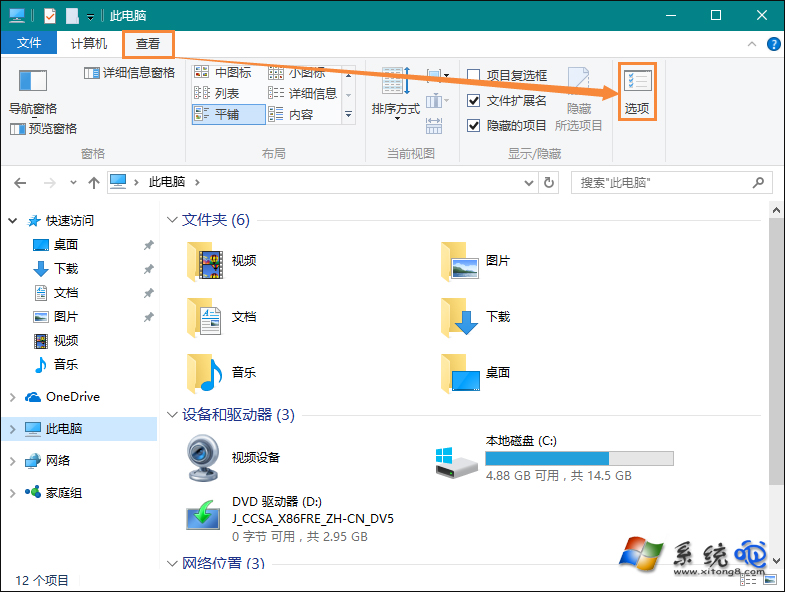
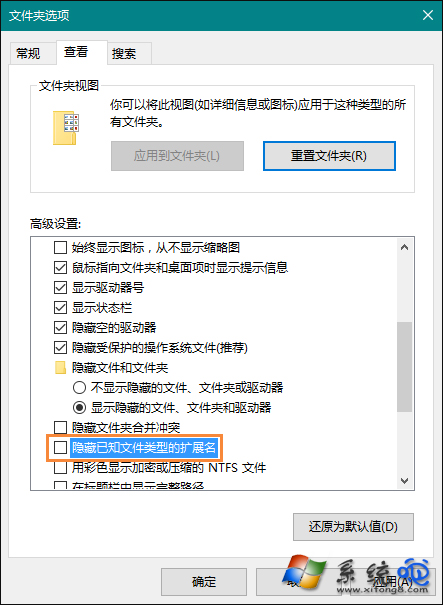
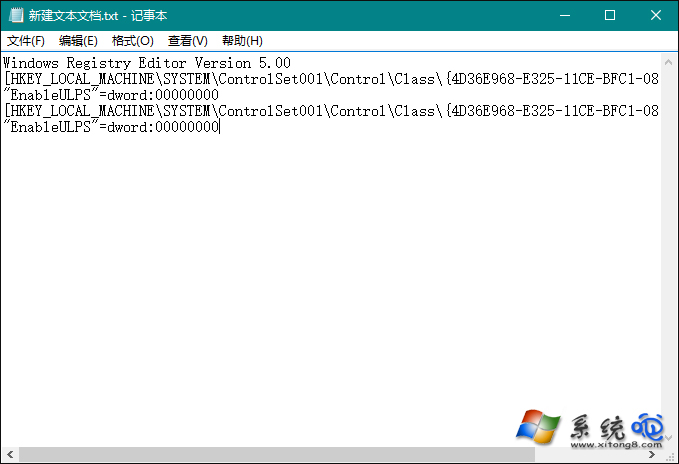
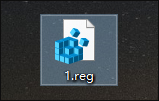
1.reg,內容貼上:Windows Registry Editor Version 5.00
[HKEY_LOCAL_MACHINE\SYSTEM\ControlSet001\Control\Class\{4D36E968-E325-11CE-BFC1-08002BE10318}\0000]
"EnableULPS"=dword:00000000
[HKEY_LOCAL_MACHINE\SYSTEM\ControlSet001\Control\Class\{4D36E968-E325-11CE-BFC1-08002BE10318}\0001]
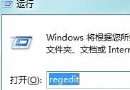
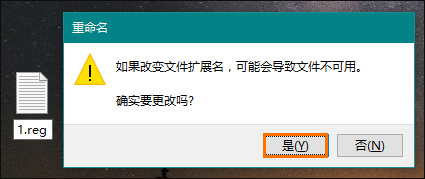
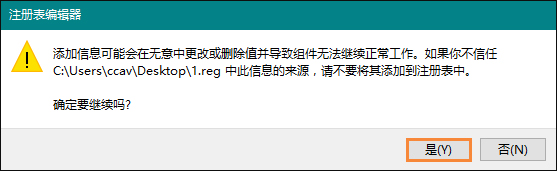
"EnableULPS"=dword:000000001.reg 匯入登錄表,確認提示點選「是」。
原理:ULPS 讓 GPU 在閒置時進入極低功耗狀態,但某些驅動/硬體組合在喚醒時會卡住。停用後 GPU 保持較高功耗狀態,開機喚醒更快。筆電用戶請權衡續航影響。