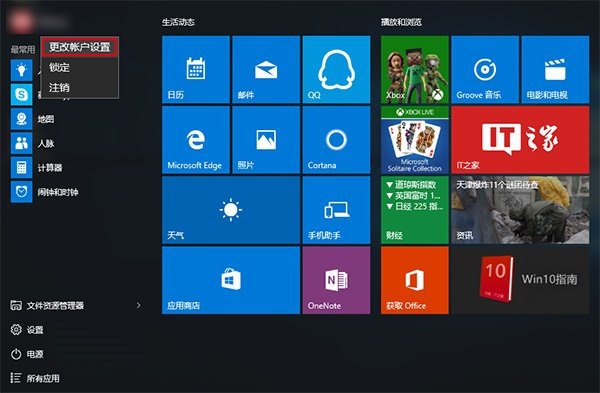
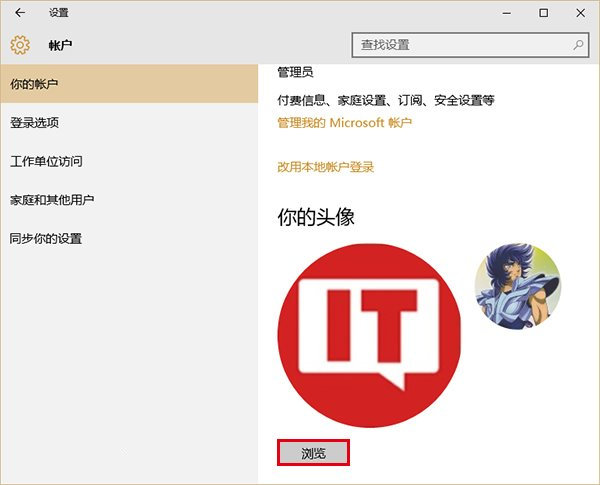
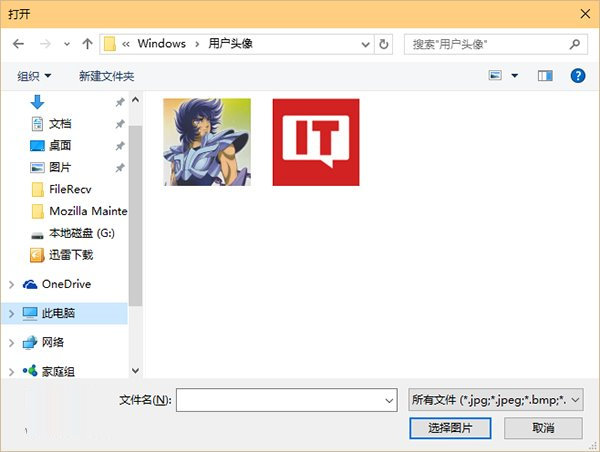
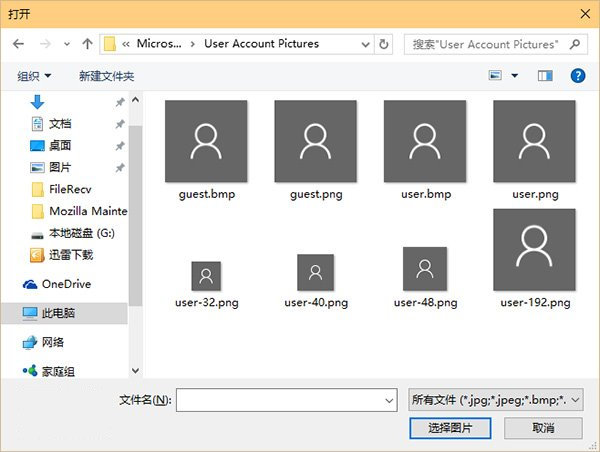
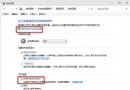
Windows 10 使用者帳戶設定中會保留歷次使用過的頭像圖片,可透過檔案總管直接刪除不需要的頭像歷程。
%appdata%\Microsoft\Windows\AccountPictures
C:\ProgramData\Microsoft\User Account Pictures
兩步驟即可清理頭像歷程並恢復乾淨預設頭像,操作簡單直觀。
Win10 設置前後面板音箱與耳機同時輸出聲音:Realtek 高清音頻管理器「禁用前面板插孔檢測」+ 選擇耳機輸出
Windows 8.1 升級 Windows 10 後搜尋無結果:刪除特定登錄鍵值修復
Win10 更新後閃屏怎麼辦?進入安全模式停用錯誤回報服務即可修復
Win10 9926 版本新功能改進詳細評測:鬧鐘、計算機、地圖
Windows 7 無法開啟 TTF 字型檔「提示建立關聯」解決方案:修復登錄檔案關聯
Windows 10 桌面壁紙設定完整教學:兩種方法輕鬆搞定
Windows 10 IE9 瀏覽器開網頁白屏解決:重設 IE 設定或關閉 GPU 硬體加速
Win10 將回收站釘選到「快速存取」側邊欄技巧