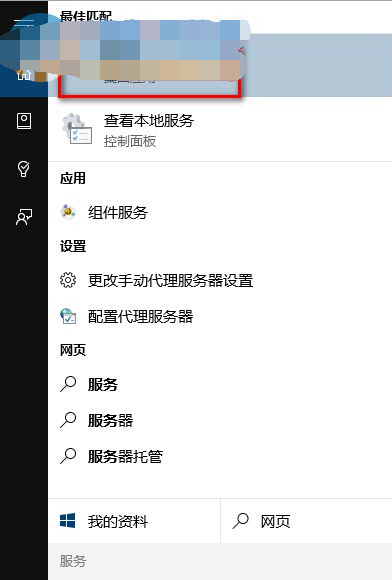
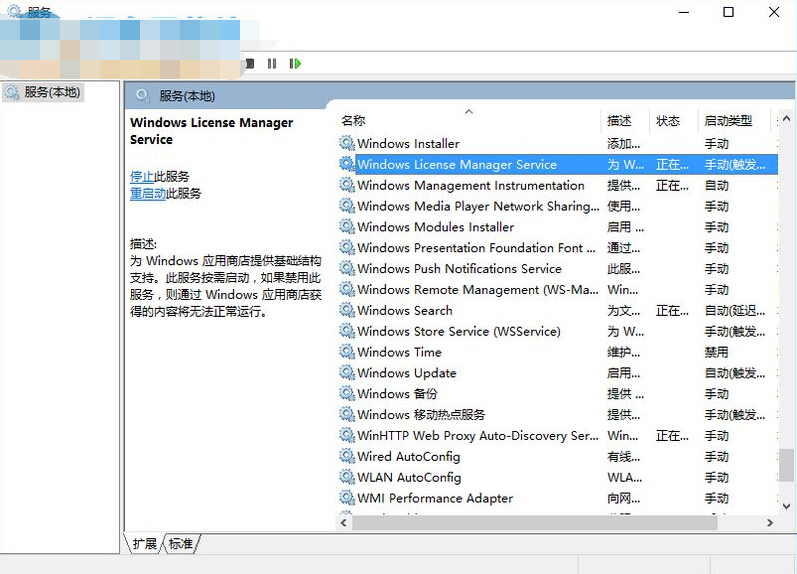
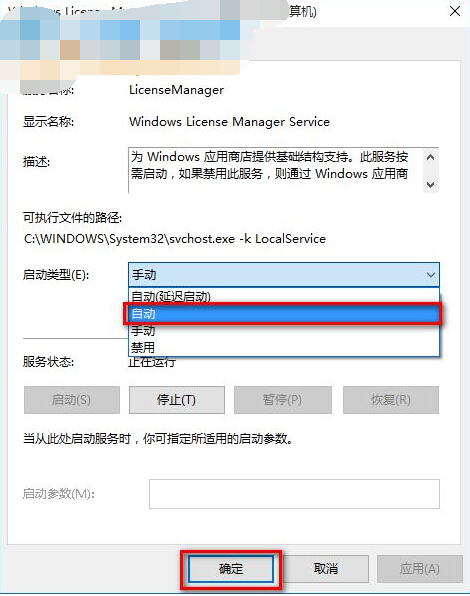
Store/應用閃退常因 WLMS (Windows License Manager Service) 未啟動,手動設為自動啟動即可修復。
WLMS
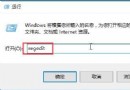
services.msc
WLMS 提供 Store 基礎架構支援,禁用會導致 Store 取得內容失效。
Win10 如何批次移除內建預裝應用程式 (PowerShell 指令)
Win10 查詢 DNS 伺服器位址:命令列 ipconfig /all 與網路介面卡詳細資訊兩種方法
Win10 應用商店切換地區/國家完整教學:兩種方法讓你下載海外限定應用
虛擬機安裝 Win10 Build 9901 圖文教學:關鍵在於啟用 EFI 模式
Win10 如何關閉小娜 Cortana 自動收集個人資訊?隱私權設定圖文教學
Win10 無線網卡驅動異常修復圖文版:手動指定兼容驅動覆蓋安裝(含卸載重裝流程)
百度 Win10 直通車相容性檢測異常?修改登錄表 AutoAdminLogon 為 0
Windows 10 關閉防火牆後持續彈出通知:兩種方法徹底停用安全性警示