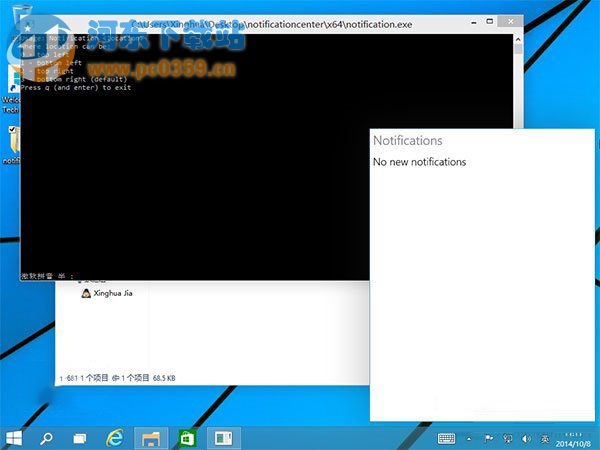
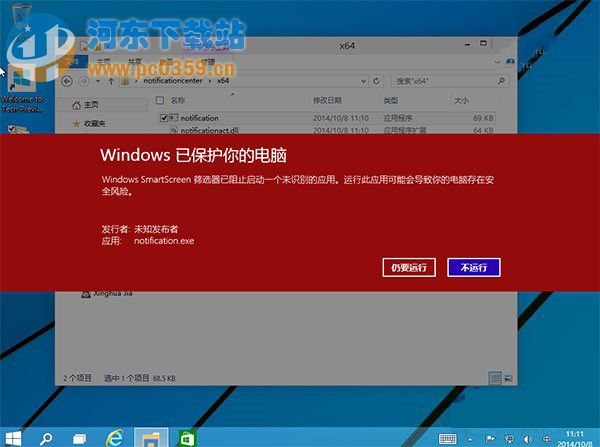
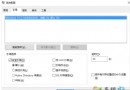
Win10 隱藏傳統「通知中心」,可用第三方工具啟用 (非官方支援,可能有副作用):
notification.exe
q
建議:權衡風險後再啟用,官方後續版本以動作中心取代。
Win10 取消預設每週磁碟重組排程教學
Win10 預覽版恢復任務列舊版時鐘:注冊表新建 UseWin32TrayClockExperience DWORD=1
Win10 刪除的檔案如何找回?註冊表修復回收站教學
Win10 左側導覽窗格出現兩個 USB 圖示?匯入 .reg 移除重複項目
Windows 10 跨裝置通用平台:PC、平板、手機、Xbox 一套系統、一個應用商店
硬碟壞軌修復實戰教學:DiskGenius 在 PE 環境下偵測與修復壞扇區
Win10 隱藏空的光碟機/讀卡機圖示:資料夾選項 → 檢視 → 勾選「隱藏空的磁碟機」
Edge 滑鼠懸停標籤會彈預覽?一招關閉標籤預覽功能