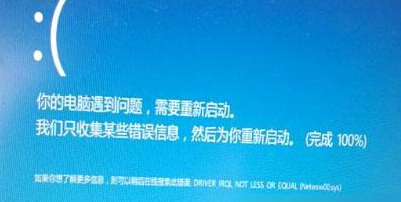
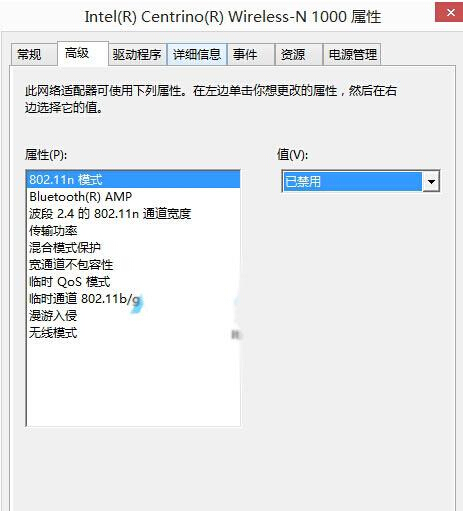
連手機 Wi-Fi 熱點即藍畫面 KERNEL_SECURITY_CHECK_FAILURE,主因:Intel 無線網卡 802.11n 模式與部分手機熱點衝突。
副作用:Wi-Fi 最高速率從 ~50Mbps 降至 24Mbps,但手機熱點頻寬通常足夠。區域網路環境建議重新啟用 802.11n 保速度。
Win10 資料夾出現藍色雙箭頭?取消 NTFS 壓縮/加密屬性恢復正常圖示
Win 10 如何阻擋 Photoshop CC 聯網驗證?替換 amtlib.dll 或 hosts 檔案封鎖 Adobe 驗證伺服器
如何加入 Windows Insider 計畫?三步驟註冊體驗最新預覽版
Win10 啟用內建 Administrator 管理員帳號:電腦管理→本地用戶和群組
Office 輸入文字覆蓋後方內容?誤觸「Insert」鍵開啟覆寫模式,一鍵關閉
Win10 Edge/IE 瀏覽器無法開啟網頁?騰訊電腦管家工具箱一鍵修復 DNS/網速/Flash/IE 設定綜合排查指南
Win10 螢幕亮度無法調整?註冊表修改 KMD_EnableBrightnessInterface2、卸載雙顯卡驅動、Windows Update 修復三大方案