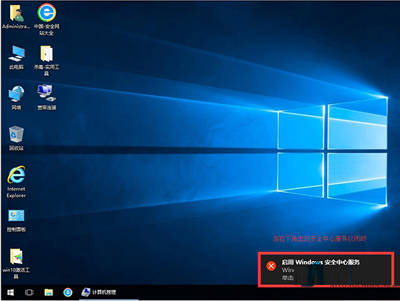
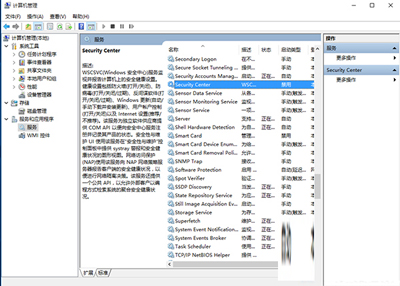
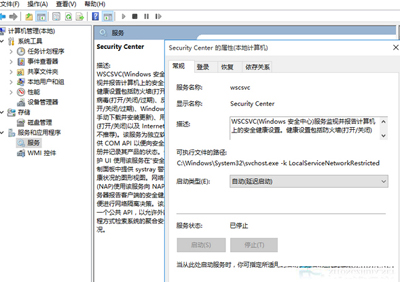
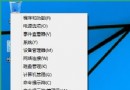
每次開機右下角彈出「啟用 Windows 安全中心服務」提示,可透過設定安全中心服務為「自動 (延遲啟動)」並關閉安全性與維護通知來消除。
設定完成後重開機,提示將不再出現。
Windows 10 關機後滑鼠點擊自動開機?兩大解決方案
Win10 無法調整音量問題解決:註冊表新增 systray.exe 開機啟動項
Win10 個人化設定無法開啟?內建管理員帳戶 UAC 導致,啟用 Admin Approval Mode 修復
Win10 桌面找回「我的文件」等系統圖示:個人化→主題→桌面圖示設定勾選
如何卸載 Win10 升級助手 GWX?工作管理員定位檔案位置強力刪除
Win10 驅動自動更新關閉解決方法:微軟官方 wushowhide 工具精準封鎖問題驅動
Win10 Build 10056 無法升級 10061?注冊表修改強制切換快速通道 (WIF) 獲取更新
Win10 升級後瀏覽器無法上網?Winsock 重設、可靠多播協定兩招必中