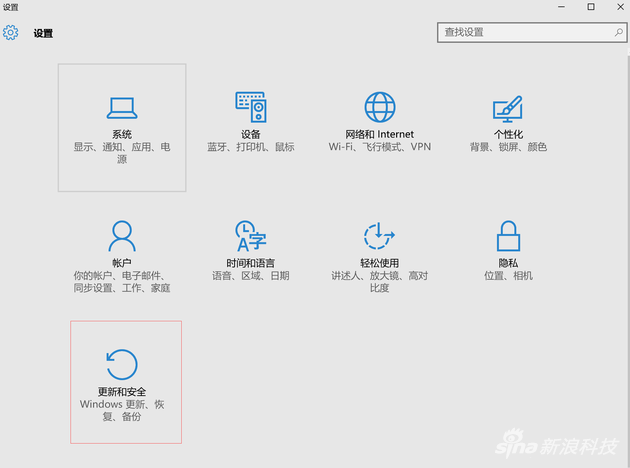
Windows 10 周年更新三種安裝方式:自動更新 (預設)、手動檢查更新、ISO 鏡像升級 (最安全)。
已安裝 Win10 的新電腦優先獲得,啟用自動更新無需操作,系統自動下載安裝。
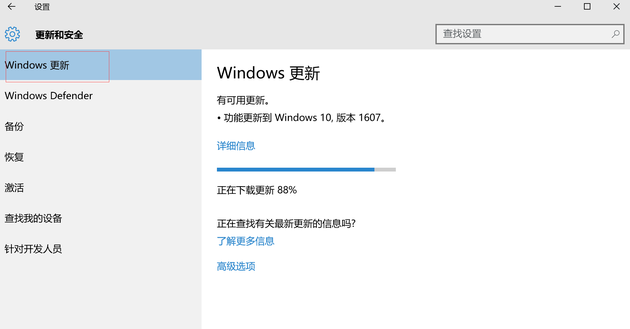
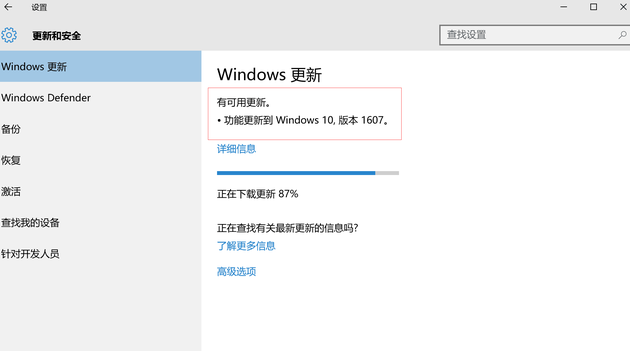
setup.exe 升級保留檔案應用。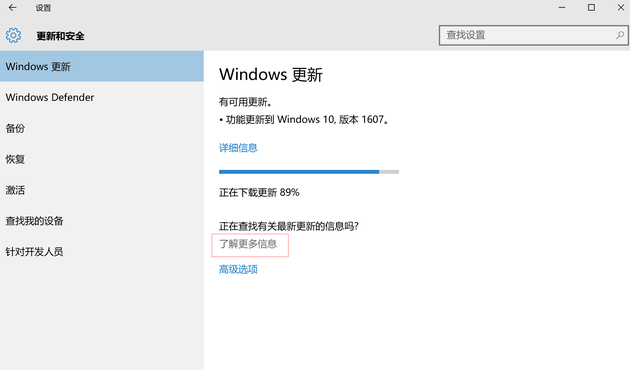
周年更新為 Win10 發布以來最大更新:Windows Ink 筆輸入、Cortana 登陸 Mobile/PC/Xbox、Edge 擴充功能、Bash Shell、企業級安全等,強烈建議更新。
Windows 10 IE 瀏覽器如何管理附加元件(增益集)?網際網路選項一鍵進入
Win10 更新補丁報錯 0x80004005 怎麼解決?重設防火牆與重新註冊 DLL 雙管齊下
Win10 圖片縮圖不顯示?檢視選單切換「大圖示」兩種方法即時預覽
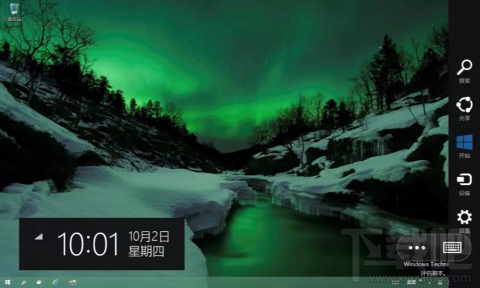
Win10 右側邊緣快捷選單無法用滑鼠喚出?改用 Win+C
Win10 移除微軟拼音輸入法:新增英文美式鍵盤後降序刪除完整步驟
Win10 檔案總管地址列輸入指令直達系統工具:calc、regedit、msconfig、gpedit.msc、devmgmt.msc、mspaint