Windows XP Windows 7 Windows 2003 Windows Vista Windows 綜合教學 Linux 系統教學
Windows 10 Windows 8 Windows 2008 Windows NT Windows Server 電腦軟體教學

Windows 10 安裝 Office 365 / 2016 無回應解決:結束程序重裝、我的 Office 帳戶頁操作

編輯:Windows 10 系統介紹

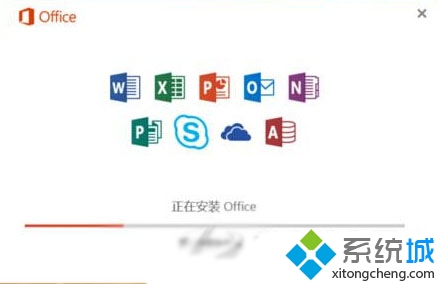
Windows 10 安裝 Office 365 或 Office 2016 出現無回應,解決方式分兩種授權模式:

一次性購買 Office 2016

  1. 第一次安裝卡住時,開啟工作管理員結束所有 Office 相關程序。
  2. 重新啟動任一 Office 程式 (如 Word 2016),安裝程序將續跑並完成。

訂閱制 Office 365

  1. 登入 我的 Office 帳戶頁面。
  2. 結束當前所有 Office 程式。
  3. 從帳戶頁面重新下載安裝 Office 365。

Office 安裝無回應

核心在於清除殘留安裝程序,讓安裝器重新初始化。

Copyright © Windows教程網 All Rights Reserved