早期 Win10 TH2 (版本 1511, Build 10586) 更新後出現反覆藍屏,經分析多為系統檔 opencl.dll 損毀導致。透過系統檔案檢查器 (SFC) 掃描修復並分析日誌可精準定位並解決。
sfc /scannowfindstr /C:"[SR] Cannot repair member file" %windir%\Logs\CBS\CBS.log > "%userprofile%\Desktop\sfcdetails.txt"sfcdetails.txt,搜尋 opencl.dll (或其他無法修復檔案)。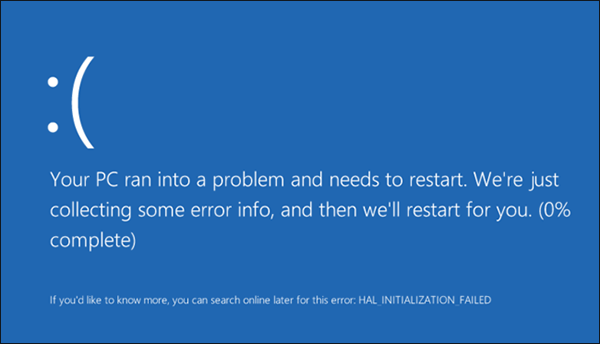
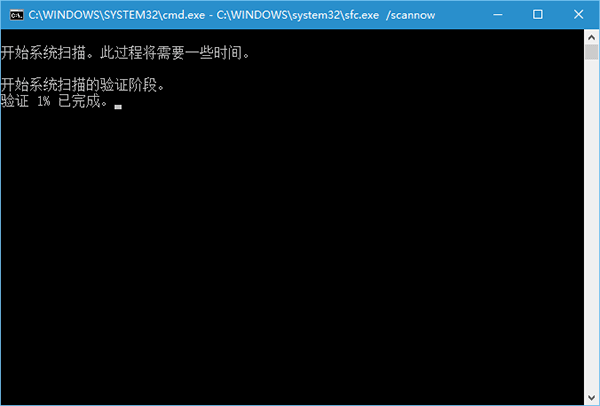
opencl.dll 損毀,可從同版本健康系統複製該檔至 C:\Windows\System32 (64位) / SysWOW64 (32位),或執行 DISM 修復映像:DISM /Online /Cleanup-Image /RestoreHealthsfc /scannow。opencl.dll 為 OpenCL 執行階段核心元件,顯示驅動程式 (NVIDIA/AMD/Intel) 更新不當常導致此檔案版本衝突或損毀。