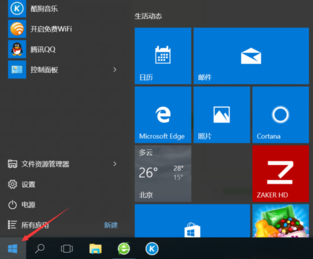
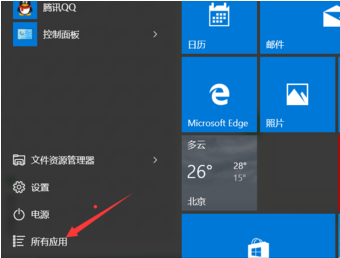
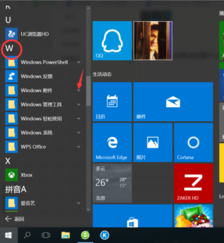
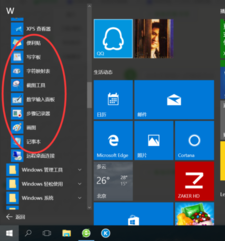
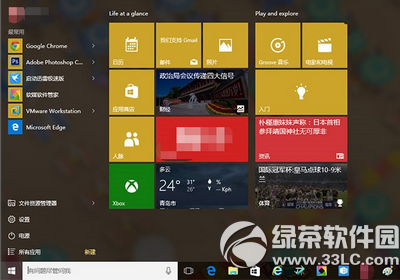
Win 10 內建附件 (記事本、計算機、繪圖等) 位置:
常用工具皆在內,無需額外下載。
Win10 用戶檔案搬家教學:手動移動、個人檔案轉移工具一鍵遷移
Windows 10 快速鍵大全:虛擬桌面、視窗分割、任務檢視、命令提示字元、截圖、神模式
Win10 無法執行老版單機遊戲?四大原因與對策:相容模式、重裝遊戲、執行階段庫、虛擬機方案
Windows 10 Build 10130 新變化:Cortana 介面大改版、通知動畫變白、電池視窗支援主題色
Windows 10 管理鎖定畫面應用程式狀態顯示教學
Win10 10041 預覽版常見問題彙總與對策:登入卡住、輔助工具異常、平板模式通知關閉等
Win10 新裝/重灌後必做 7 項優化:更順手、更省資源
Windows 10 輸入法快速切換完整指南:告別 Win+空格 鍵的困擾