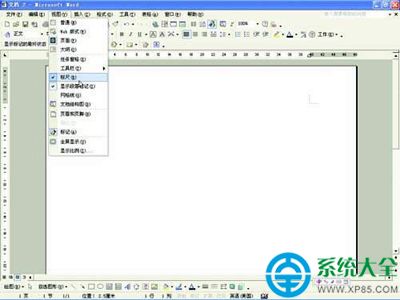
Word 文件滿頁紅綠波浪線礙眼?Word 2013/2016/2019 通用三步關閉:
無論文件多長、波浪線多密集,瞬間全消,列印/轉 PDF 乾淨無痕。
Firefox 火狐瀏覽器匯入書籤完整教學:從 Chrome/Edge/QQ 瀏覽器無縫遷移
迅雷看看「暫時連接不上伺服器」四大修復方案:從註冊表到播放器降級
美圖秀秀夜拍照片美化教程:移軸鏡頭虛化背景 + 智能繪色增艷 + 粉紅佳人調色三步出大片
Dreamweaver CS3 快捷鍵大全:從新手到高手的效率加速表
達派手機助手PC版:圖片/音樂/視頻導入導出全攻略
垃圾清理軟體怎麼判斷什麼能刪?深度解析掃描邏輯與風險
Win7 藍牙圖標消失?快速恢復藍牙連線教學
IE11 正式版亮點:觸控優化、省電、分頁管理、同步、WebGL 3D 加速