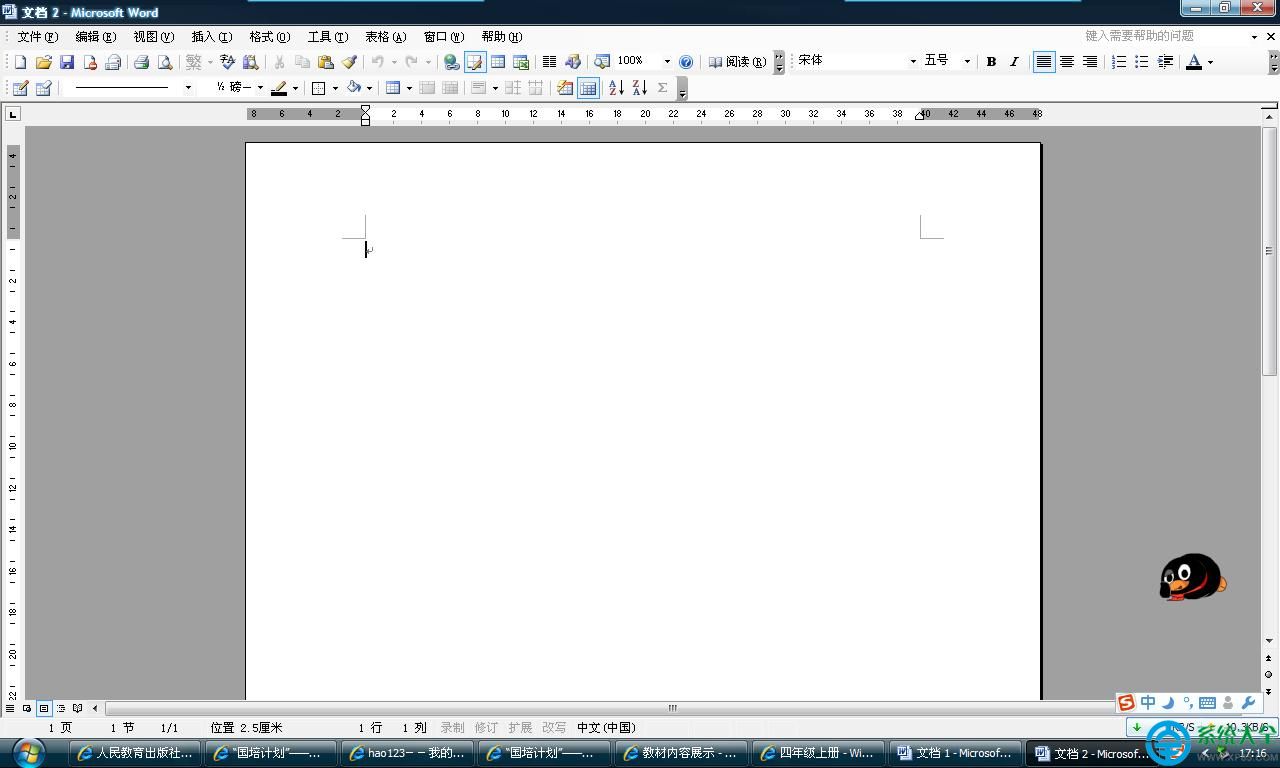
Word 開啟正常但動滑鼠即顯示「Not Responding」,極簡解法:
winword /safe
winword /a
原理:安全模式不載入增益集/樣板/自訂設定,繞過衝突點,存檔後重寫檔案結構即修復。
寬帶連線錯誤 769 成因分析與多重解決方案全攻略
DNF 暗帝 TB4 刷圖異界裝備選擇指南:武器首選釋魂/鎮魂,防具女神 9 VS 契約 9 核心對比
CAD 建立遮蔽圖層塊教程:WIPEOUT 指令實現實體遮蓋
愛剪輯去水印完整教學:四大功能輕鬆移除視頻浮水印
最終幻想零式HD自動回避魔法與雙倍經驗戒指獲取地點:學院大門口藍色咕嚕獎勵機制
CorelDRAW 製作商務名片全流程:矩形框架、圖層管理、對齊分佈、標準尺寸 90×55mm
電腦關機後鍵盤/滑鼠指示燈持續亮燈成因與三大解決方案 (BIOS/跳線/斷電)
我的世界「小殭屍」應對攻略:利用身高缺陷邊打邊退/高地狙擊/挖坑埋葬三大戰術