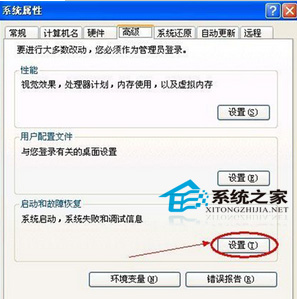
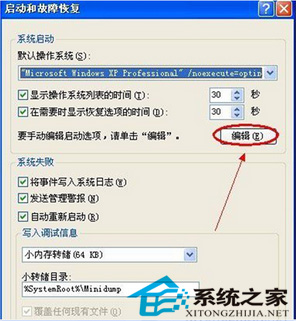
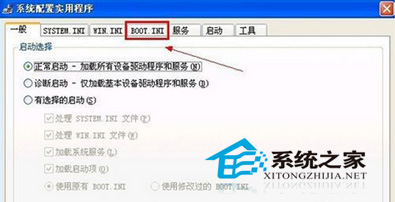
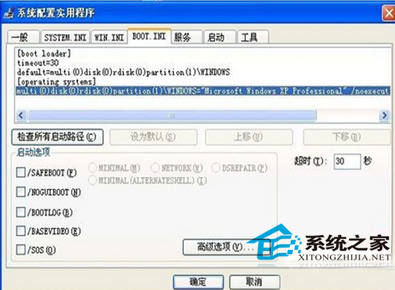
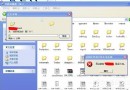
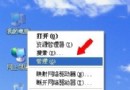
Boot.ini定義開機選單,屬系統唯讀檔案,兩種安全編輯法:
msconfig
警告:修改錯誤導致無法開機,編輯前備份Boot.ini,修改後多重啟驗證。
Windows 軟體限制原則 (SRP) 深度解析:規則類型、安全等級與進階部署
Windows XP 重裝免激活技巧:備份 Wpa.dbl 即可跳過產品啟用
Windows 開機自動執行程式完整排查指南:七大檢查位置
WinXP 開機藍屏 0x00000019 (BAD_POOL_HEADER) 排查:USB 設備/鼠標故障為主因
區域網路兩台電腦檔案共享完整設定:IP 設定、關防火牆、本地原則、資料夾共享、存取驗證
WinXP 桌面 IE 圖示不見了?五大找回法:原程式捷徑、開始選單、我的電腦、按鍵大法、360 修復
Windows XP 內建錄音機使用教學:從硬體設定到實際錄音
Windows 註冊表故障恢復三大法寶:系統還原、最後正確配置、專用修復工具