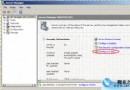
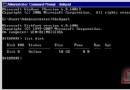
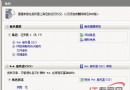
Server 2008 部署多網路服務,排錯複雜度高。善用內建工具與指令可大幅簡化流程。
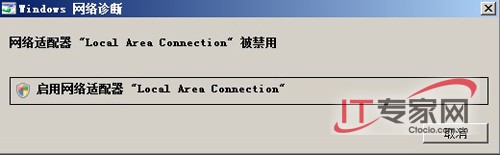
ipconfig /all /flushdns /registerdns:IP 設定檢視、DNS 快取清除/重新註冊。ping / tracert / pathping:連通性、路徑追蹤、延遲/遺失分析。nslookup / dig:DNS 解析驗證。netstat -ano / route print:連接埠監聽、路由表檢視。netsh interface ipv4 show config / netsh wlan show profiles:介面詳細設定、無線設定檔。掌握工具組合,由簡入繁,可解決 90% 以上網路故障。
Windows Server 2008 命令列管理實戰:ServerManagerCMD 提升運維效率
用 Spotlight on Windows 即時監控 Windows Server 2008:安裝、連線建立與本地/遠端監控實戰
Windows Server 2008 審核與合規完整指南:從法規壓力到全方位稽核策略部署
Windows Server 2008 AD 管理三大效率技巧:免重啟離線維護、快速資料庫優化與服務控制
Windows Server 2008 遠端桌面允許同一帳號多用戶同時登入配置
解決 Windows Server 2008 R2 同機安裝 AD 與憑證服務重啟報錯:延遲啟動與服務相依性調整