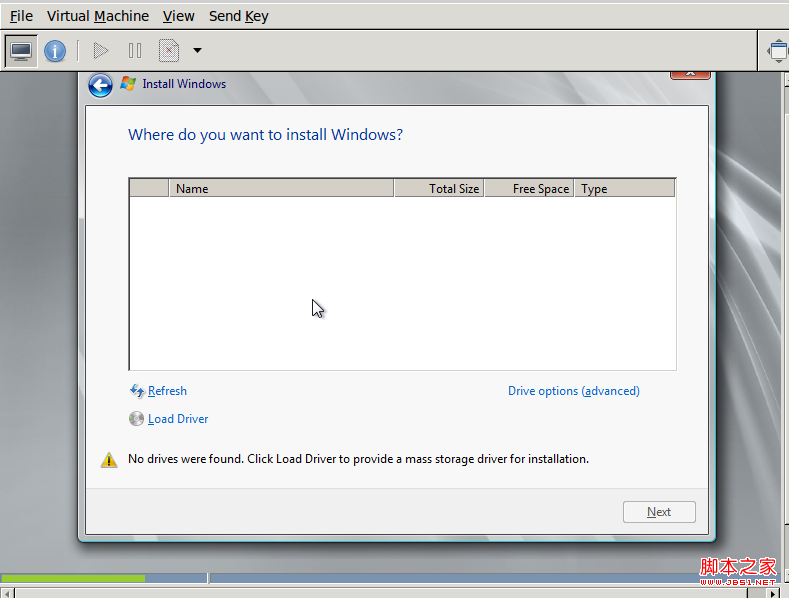
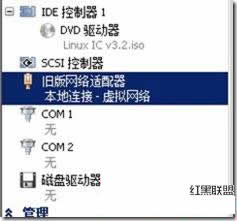
早期 Hyper-V 需使用「舊版網路介面卡」(Legacy Network Adapter) 讓 Linux 識別網卡,再透過 yum 安裝 gcc 編譯驅動。如今微軟官方提供 Linux 整合服務 (Linux Integration Services, LIS),已內建主流發行版驅動,無需舊版網卡即可直接上網。
mount /dev/cdrom /mntcd /mnt./install.shreboot重啟後,網卡、滑鼠整合、動態記憶體、即時遷移等 Hyper-V 功能全部正常運作,無需手動編譯任何核心模組。
部署 NAP for DHCP 限制不合規用戶端取得 IP:健康原則伺服器、修補伺服器群組、DHCP 強制 NAP 驗證完整實作
Windows Server 2008 常用管理技巧大全 (29 項實用設置)
Windows Server 2008 Core 模式管理與配置實戰
善用 Windows Server 2008 指令快速排解網路疑難雜症
Windows Vista/Server 2008 SP2 RTM-Escrow 版釋出測試者:793 項修正、版本號 6002.17043、含 Windows Update 修補包