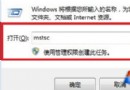
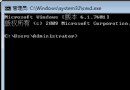
開機進入桌面時彈出「Windows 找不到檔案 explorer.exe」,多因 PE 系統或優化工具修改了登錄檔導致。透過刪除錯誤登錄項並恢復 explorer.exe 即可修復。
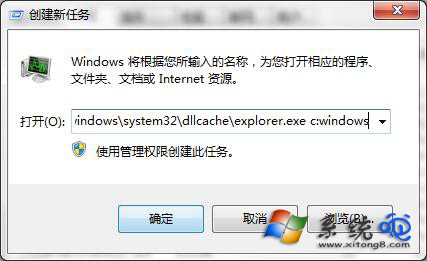
regedit 開啟登錄編輯器。HKEY_LOCAL_MACHINE\SOFTWARE\Microsoft\Windows NT\CurrentVersion\Image File Execution Options\Explorer.execmd /k copy c:\windows\system32\dllcache\explorer.exe c:\windows → 確定。(若無 dllcache 目錄,可從安裝媒體提取或使用 sfc /scannow 修復系統檔)。explorer 重新啟動殼程式。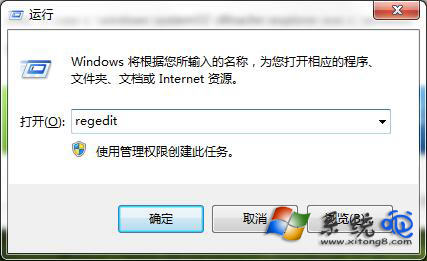
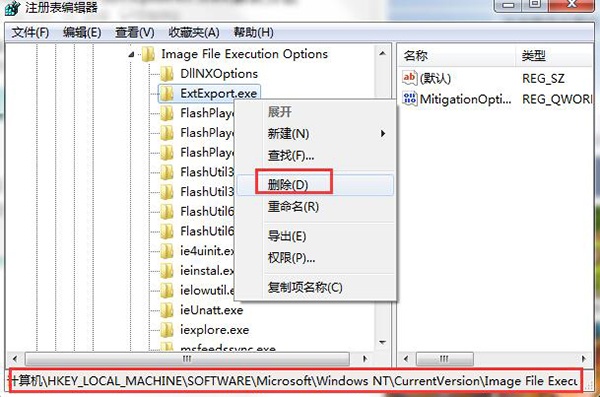
修復後建議執行 sfc /scannow 完整掃描系統檔案完整性。