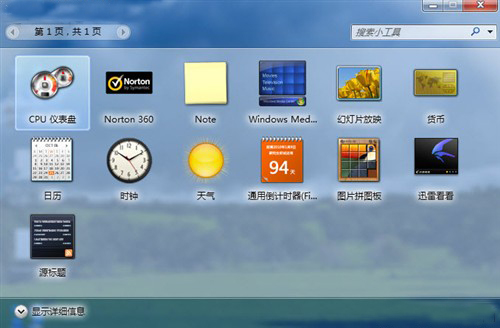
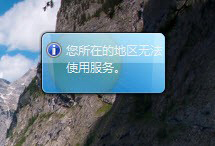
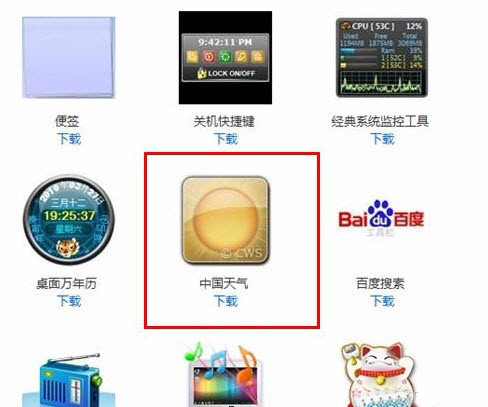
Windows 7 內建天氣小工具因微軟未為中國地區開放服務,會顯示「您所在的地區無法使用服務」。修改系統檔案風險高,建議改用第三方替代方案。
新工具支援自訂地區與介面風格,完美替代內建工具,無需修改系統檔案,安全又便利。
Windows 10 家庭組密碼怎麼查看?圖文教學輕鬆找回與修改密碼
Win10 Mobile 單手模式使用教學與 iOS Reachability 對比
Win7 刪除網頁影片快取兩大法,釋放 C 槽空間加速瀏覽
Windows 10 設定桌面背景幻燈片輪播完整教學
Win7 安裝後清理指南:Windows Update → 磁碟清理 → 移除預設應用 → 360 全盤掃描
Windows 10 Build 10130 更新釋出:修復 Outlook Mail 同步與 Wi-Fi 連線問題
Win10 正式版首次升級出現黑屏、卡頓怎麼辦?盜版升級真相揭秘
Win10 Build 10537 原版英文 ISO 系統鏡像洩露下載 (64位 專業/家庭版二合一、編譯日期 8/29)