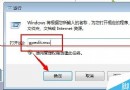
Win10 更新顯卡驅動流程與無線網卡相同:
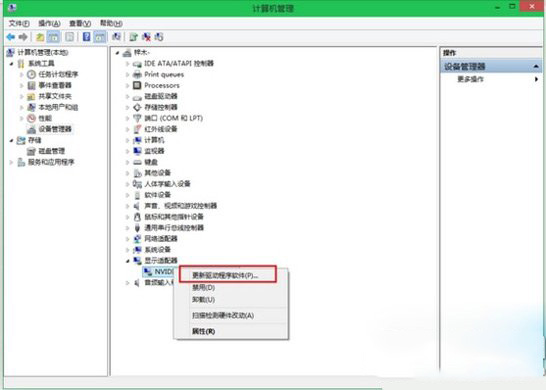
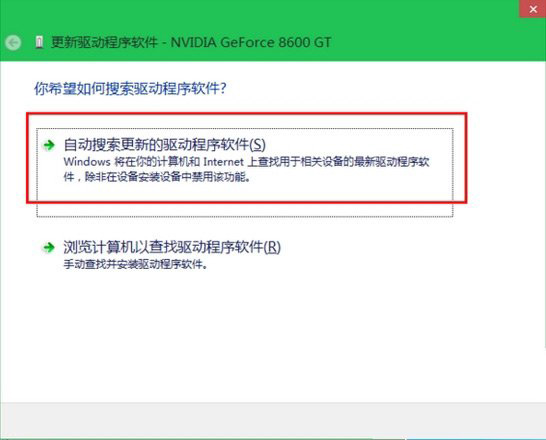
簡單快速,建議定期檢查更新以獲得最佳遊戲與繪圖效能。
Win7開機黑屏提示「Windows無法啟動 \System32\Config\System」:故障修復控制台登錄檔重建完整流程
Win8 資源管理器新增網路位置(FTP/網路磁碟)快速存取教學
Windows XP 系統何時需要關閉防火牆?三大操作場景建議暫時停用
Win10 系統 UGNX 設定中文後出現亂碼 ###?將系統預設語言改為中文即可解決
Windows 8 筆電開啟 WiFi 熱點分享網路 (含藍屏解決方案)
Win10 重設所有資料夾檢視為預設值 透過刪除登錄 Bags 索引鍵統一外觀