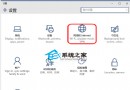
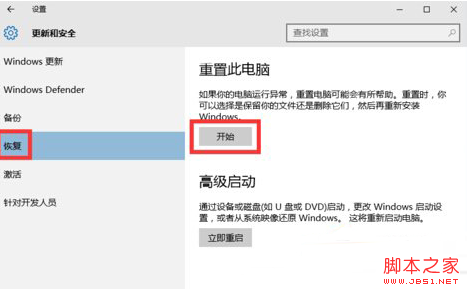
UGNX 為模具業優秀三維設計軟體。部分用戶在 Win10 將 UGNX 設為中文後開啟全是亂碼 ###,以下提供解決方案。
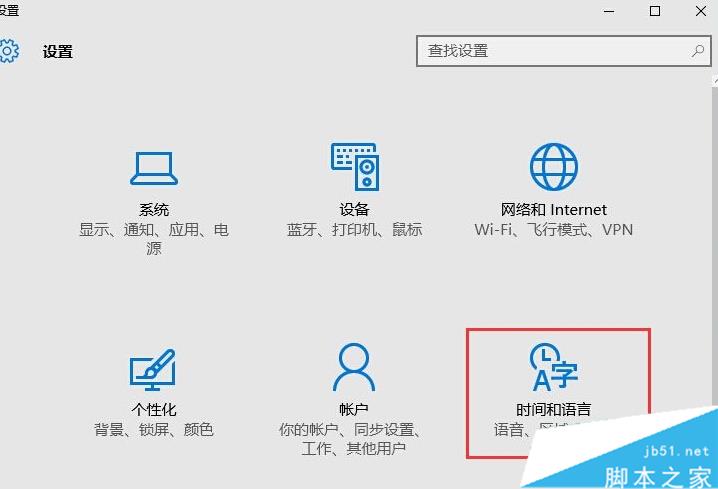
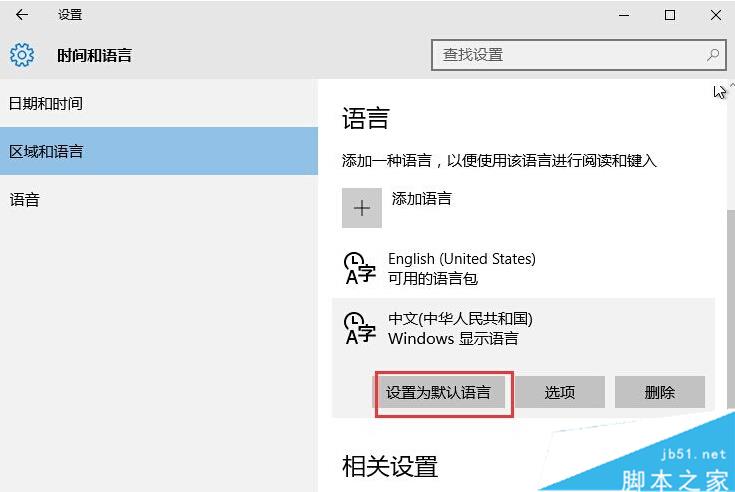
以上為 Win10 系統 UGNX 設定中文出現亂碼 ### 的解決方法,供參考。
Win10 開始按鈕右鍵無反應、不顯示超級選單?修補登錄缺失 IsShortcut 字串值即可修復
Win10 升級報錯「臨時需要 0.00 MB 空間」根因與解法:擴充系統盤至 40GB+
Win10 開發系列第 5 彈:UWP 應用程式新增畫布/數位墨水與語音輸入支援
Win10 設定靜態 IP 圖文教學:乙太網路介面卡屬性手動輸入 IP/閘道/DNS
Win8/Win10 更新後重開機無反應、卡住?四種情境對應解決方案
解決「Unable to find a version of the runtime to run this application」錯誤:安裝正確 .NET Framework 版本