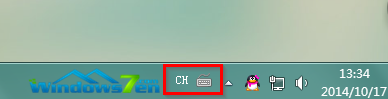
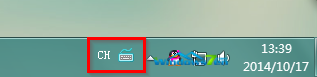
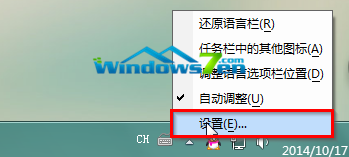
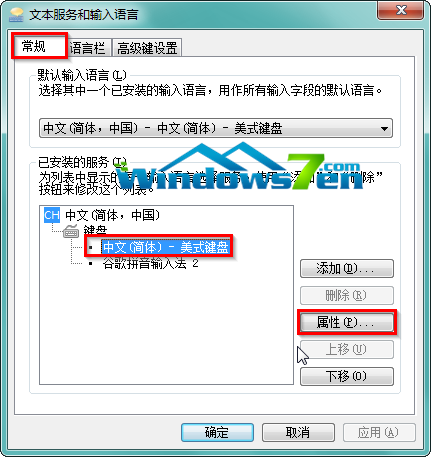
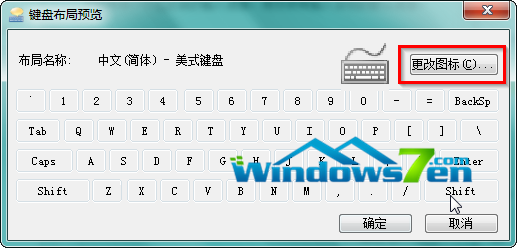
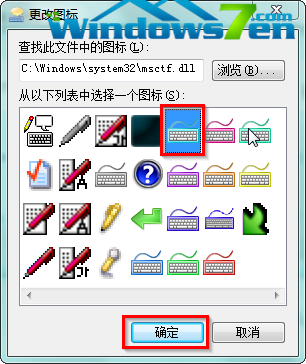
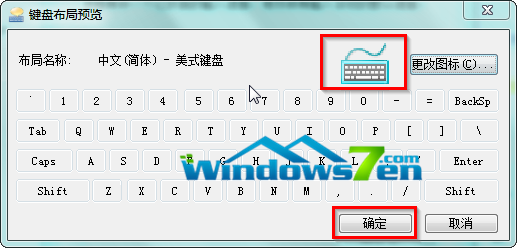
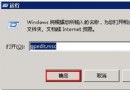
Win7 內建提供輸入法圖標個性化功能,操作簡單:
.ico
.dll
.exe
讓輸入法圖標與眾不同,展現個人風格。
Windows 10 應用程式商店閃退/無法開啟?執行 wsreset 清除快取即可修復
Windows 10 試用半年用戶心得:老用戶請放心升級,但不會太爽
Win10 雙螢幕如何設定不同桌面背景圖片?三步驟完成
Windows 10 如何查看電腦硬體配置
Windows 10 14986 重點優化高 DPI 螢幕支援,桌面應用文字更銳利
Win10 應用商店打不開提示「無法自動偵測 Proxy 設定」?刪除 hosts + 清除 DNS 快取修復
部分 Win10 使用者回報:升級後耗電加快、發熱嚴重、續航力大幅下降
Windows 8.1 應用商店無法安裝應用程式?五大排解方案徹底修復