Windows 8.1 透過 Windows Update 安裝 Update (KB2919355) 時出現錯誤代碼 80070020、80073712 等。官方未提供臨時方案,但可透過 DISM 指令移除殘留補丁並清理元件存儲,再重新更新。
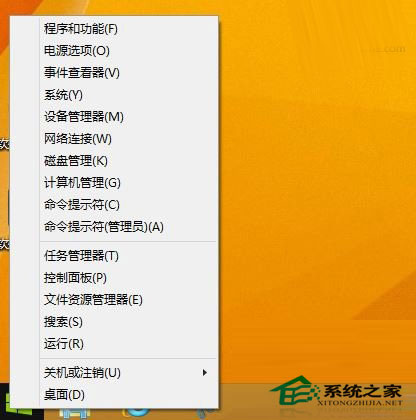
dism /online /remove-package /packagename:Package_for_KB2919355~31bf3856ad364e35~amd64~~6.3.1.14
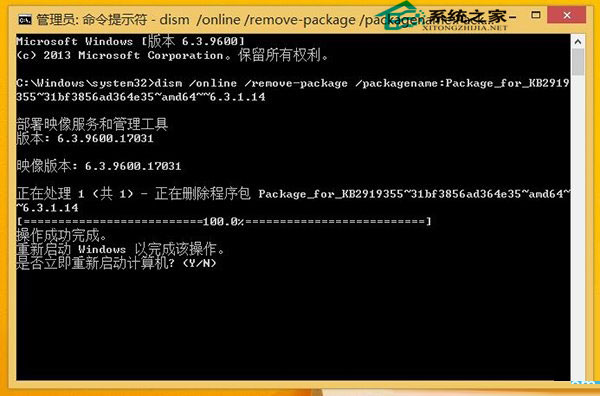
※ 移除後需手動重啟完成配置
dism /online /cleanup-image /startcomponentcleanup
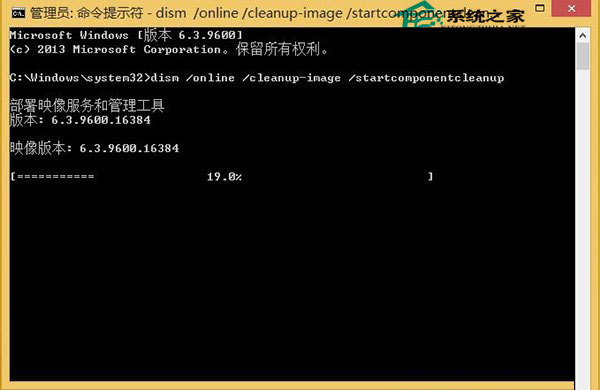
原理:移除損壞/殘留的更新套件,清理元件存儲中過期檔案,讓 Windows Update 重新取得完整套件進行安裝。