Windows XP Windows 7 Windows 2003 Windows Vista Windows 綜合教學 Linux 系統教學
Windows 10 Windows 8 Windows 2008 Windows NT Windows Server 電腦軟體教學
您现在的位置: Windows教程網 >> Windows教程 >  >> Windows 綜合教學 >> 關於 Windows

如何開啟登錄編輯器並快速定位到指定路徑?

編輯:關於 Windows

開啟登錄編輯器並定位到特定鍵值的標準方法:

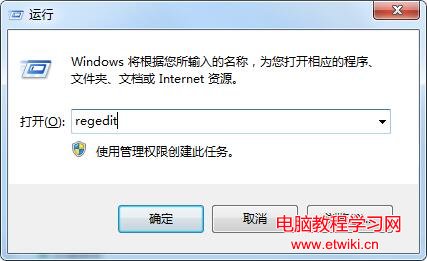
步驟 1:開啟「執行」對話方塊

點擊「開始」→「執行」(或直接按 Win + R)。

開啟執行對話方塊

步驟 2:輸入 regedit

在輸入框鍵入 regedit,按 Enter 或點「確定」,即啟動登錄編輯器。
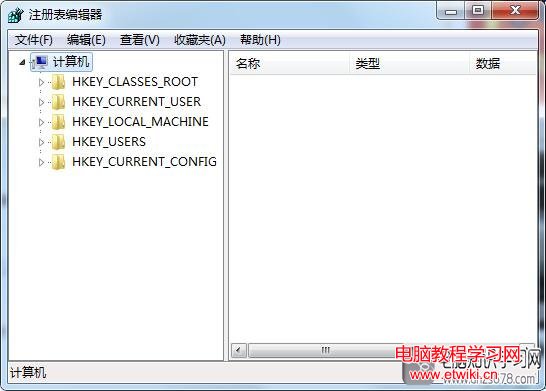
輸入 regedit 開啟登錄編輯器

步驟 3:依路徑展開資料夾

在左側樹狀結構依序展開:
HKEY_CURRENT_USER → Software → Microsoft → Windows → CurrentVersion → Explorer → Advanced
即可到達目標位置進行編輯。

提示: 修改登錄前建議先「檔案 → 匯出」備份,誤修關鍵值可能導致系統不穩。

Copyright © Windows教程網 All Rights Reserved