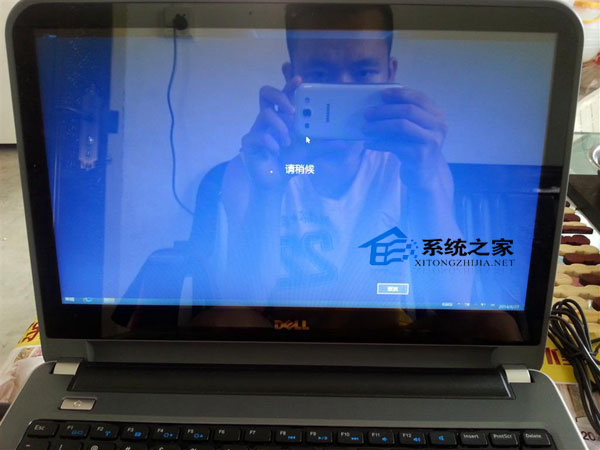
使用者回報:Windows 8.1 筆電使用微軟帳號登入時畫面凍結(卡住),點擊取消無反應,但本地帳號登入正常。
sfc /scannow
若問題持續,可檢查事件檢視器中「應用程式與服務記錄」→「Microsoft」→「Windows」→「User Profile Service」相關錯誤代碼,進一步診斷。
Win10 如何進入安全模式?BAT 命令列啟用傳統 F8 選單法(需 USB 開機媒體)
Windows 7 印表機共用設定完整圖文教學
Windows RT 重磅更新確認:下月加入開始功能表(早期預覽版風格)、修改鎖定畫面適配平板
Windows 10 Mobile Build 14905 上手體驗影片:效能穩定、多工流暢、Edge 改善、藍牙與分享有 Bug
Win10 寬帶撥號上網設置教程:建立 PPPoE 連接實現自動撥號
Win10 TH2 更新下載安裝卡頓/失敗?重置 Windows Update 服務徹底解決
Windows 8 管理無線網路連線完整指南
Windows 10 RTM 首個候選版 Build 10176 編譯完成,版本號 10.0.10176.16384