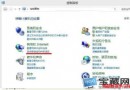
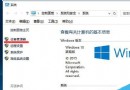
Windows 10 技術預覽版與第三方輸入法相容性不佳,文字輸入僅能輸入字母。建議暫用系統內建輸入法:
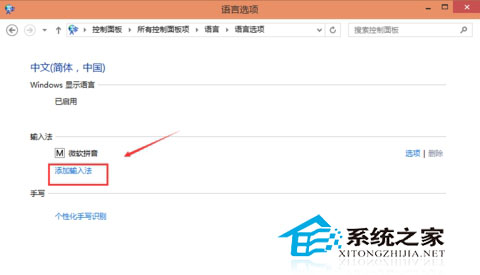
輸入法為國內用戶核心需求,隨 Win10 快速迭代與廠商適配,第三方輸入法將逐步恢復正常運行。
所有 Win 10 用戶均可使用 Windows 回饋應用,Insider 會員享額外功能:截圖、篩選、複製問題
Windows 7 忘記開機密碼?兩大破解法:安全模式命令列 / USB 開機重設
Win10 Mobile 15002預覽版缺席:微軟專注PC端反饋,移動版近月無更新
Win8.1 開啟資料夾卡頓/假死四大解決方案:重啟 DWM、關閉預覽/索引、停用 Defender
在 Windows 8 Modern 介面新增自訂圖片牆磚:Custom Tiles Make 應用教學
Win10 Windows Time 服務啟動失敗?命令列註冊服務 + 改用國家授時中心 NTP 伺服器雙管齊下