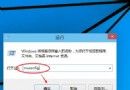
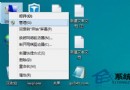
Windows 10 Build 9860 安裝後系統與應用程式完全無聲音,主因為聲卡驅動程式不相容。三大修復方案:
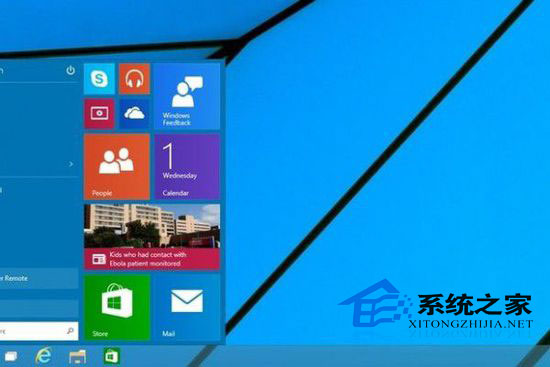
技術預覽版面向開發者測試與嘗鮮,存在不穩定與不相容情況,不建議主力機安裝使用。
XP 玩英雄聯盟掉幀解決:顯卡設定調「效能優先」或 遊戲中 Alt+Enter 切換全螢幕兩次
Win10 Edge 瀏覽器如何更換搜尋引擎?以 Google 為例完整教學
Win10 共享 WiFi 熱點給好友:免密連接、Outlook/Skype/Facebook 聯系人定向分享
Win8 安裝網路印表機完整步驟:手動建立 Local Port 指向共用印表機
Win10/Win8.1 PC版 WhatsApp 更新:新增 Emoji 表情、圖片瀏覽分享、GIF 支持、聊天搜索、UI 提升
Windows 10 玩 DirectX 12 遊戲需換顯卡嗎?支援 DX12 顯卡完整列表