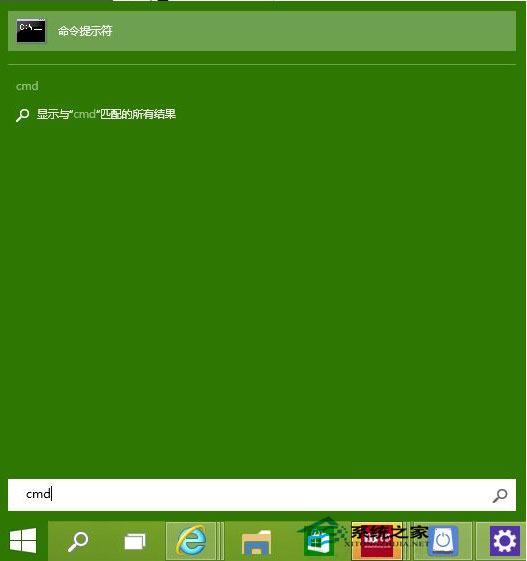
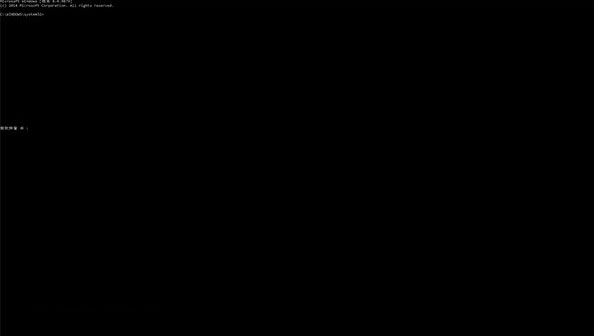
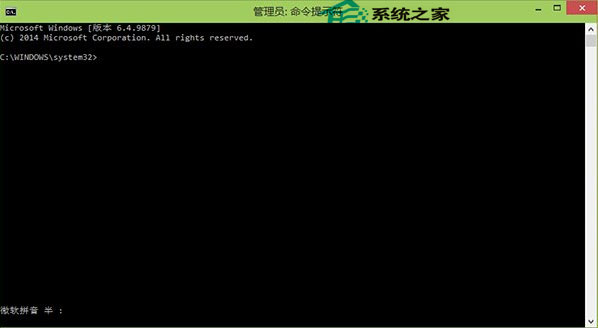
Windows 10 Build 9879 更新恢復命令提示字元 (CMD) 全螢幕功能,結束自 Vista 以來的視窗化限制。操作極簡單,Alt+Enter 即可雙向切換。
CMD
mode con cols=120 lines=50
此功能為 Build 9879 新增,後續版本將持續強化主控台體驗(支援 ANSI 轉義序列、TrueType 字型、背景透明度等)。
Win10 執行 WPS 2016 無回應?顯卡驅動不相容解決方案
Win8 iTunes 顯示亂碼?兩種方法修復歌曲資訊顯示異常
Windows 7 解決程式回應時間過長:修改 WaitToKillAppTimeout 登錄值
Win7 誤刪 sam 檔案導致系統無法啟動?USB 開機進入 PE 還原 RegBack 備份解決
360 安全衛士升級 Win10 遇到 C 槽空間不足?教你輕鬆擴容
裝了 Win 10 如何還原成 Win 7?兩種方法完整教學
Windows 10 刪除與重建搜尋索引 加快檔案搜尋速度
修復 Windows 8 無法連線 System Event Notification Service 服務錯誤