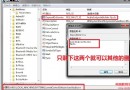
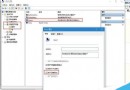
調整虛擬記憶體(分頁檔)可緩解實體記憶體不足導致的卡頓。建議設定為固定大小並放置於非系統分區:
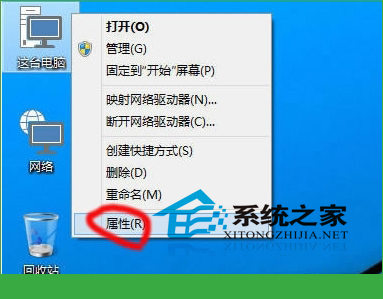
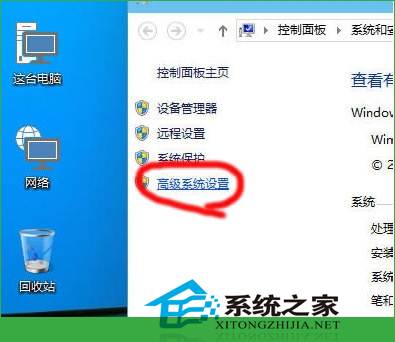
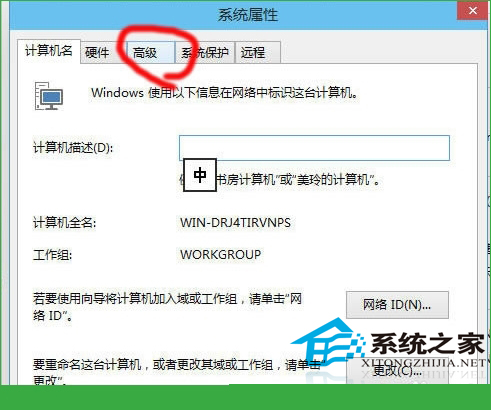
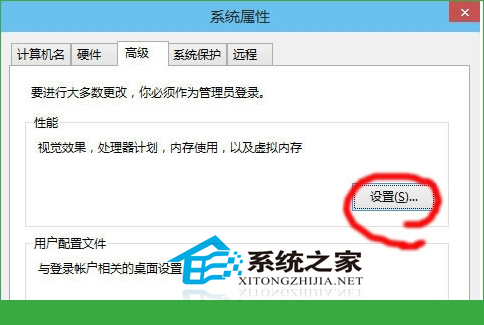
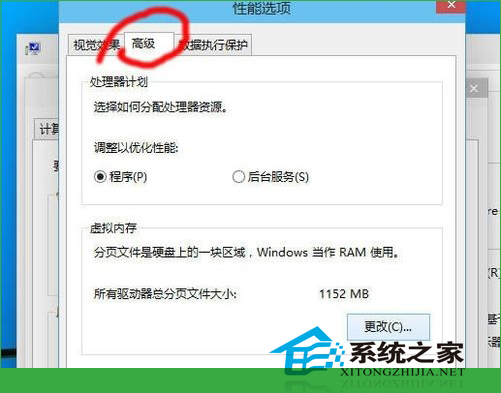
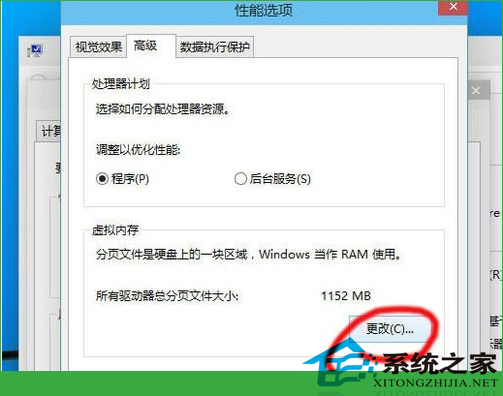
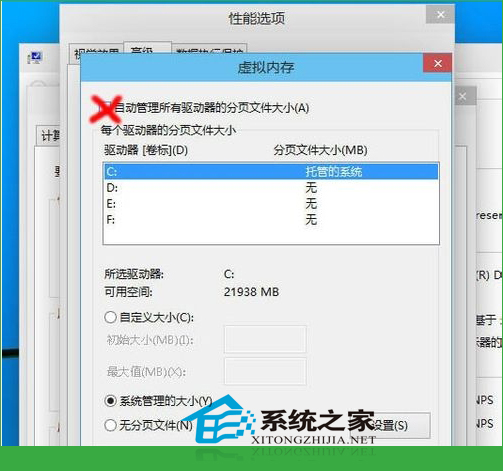
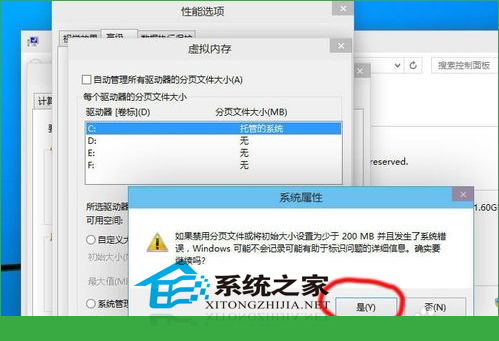
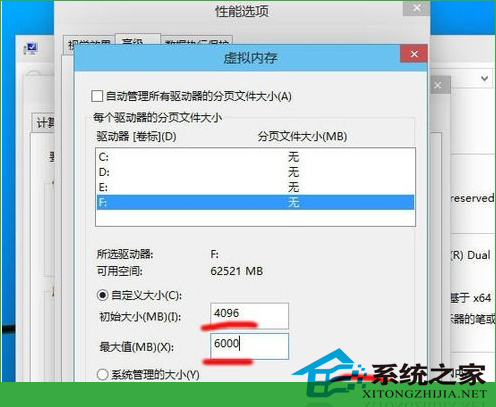
固定大小分頁檔可減少磁碟碎片,放置於非系統盤可分散 I/O 負載,對機械硬碟效能提升明顯。
Win8.1 4 月更新安裝失敗(錯誤 800F0922),Win7/10 未受影響
Win7 svchost.exe 應用程式錯誤「記憶體無法為 read」怎麼解?禁用 WDF 服務快速修復
Win8 工作列卡死凍結?取消鎖定→拖寬→還原→鎖定,半分鐘秒修復
Win7 Ghost 版使用迅雷下載提示「被封殺」?排查病毒、重裝迅雷、檢查 ISP 封鎖
Win7 如何查詢 NVIDIA 顯卡記憶體大小?桌面右鍵開啟 NVIDIA 控制台 → 系統屬性一覽無遺
Win10 10240 升 10565 後組群原則編輯器報錯「命名空間重複」與「MMC 停止運作」完美修復:禁用非 Microsoft 服務/啟動項 + 刪除衝突 ADMX 檔案