想體驗最新 Win10 Build 9888?本文整理多種升級/安裝管道,滿足不同需求。
主要安裝方式
- 直接升級: 在現有系統透過 Windows Update 或 ISO 掛載直接升級,保留檔案與應用。
- 覆蓋安裝: 使用 ISO 開機安裝,選擇「自訂」安裝至原系統分區(會移動舊系統至 Windows.old)。
- VHD 虛擬硬碟啟動: 將 ISO 部署至 VHD,啟動選單加入 VHD 選項,不動原分區。
- USB 隨身碟安裝: 使用軟媒魔方「軟媒 USB 啟動」或「軟媒硬碟裝機」工具快速製作啟動碟。
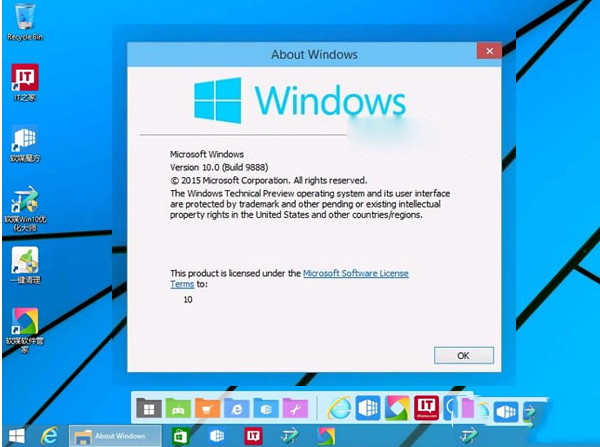
提醒: 預覽版穩定性較低,建議備份重要資料或使用虛擬機/次要電腦測試。