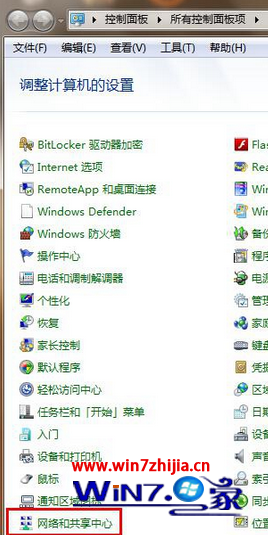
Windows 7 帳戶密碼管理:
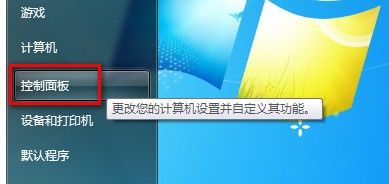
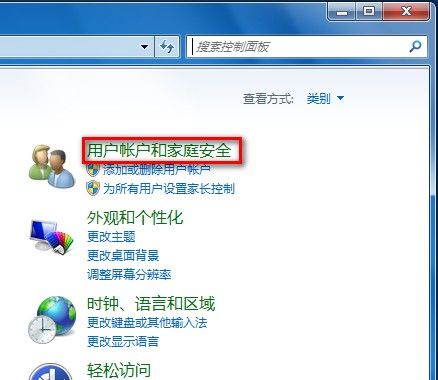
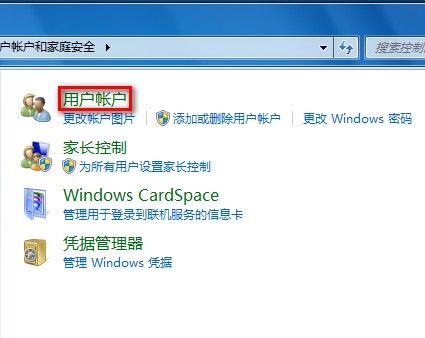
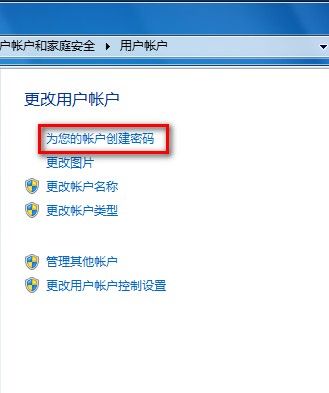
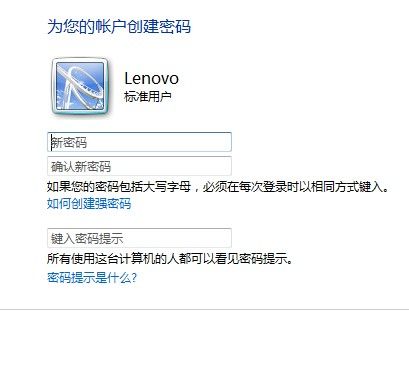
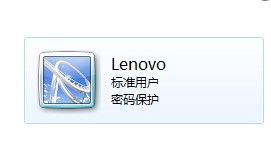
建議設定強式密碼 (大小寫、數字、符號混合 8 碼以上) 並妥善保管密碼提示。
Win10 徹底關閉騰訊遊戲 teniodl.exe 後台下載進程:替換偽裝 exe、設定唯讀、cacls 拒絕存取權限
Win7 掃描修復 USB 隨身碟導致檔案遺失?.chk 檔案還原完整教學
Win7 隱藏系統盤 (C:) 防誤刪:群組原則限制「我的電腦」存取特定磁碟
Windows 8.1 開啟強制驅動程式簽名導致無法安裝驅動?解除簽名驗證完整教學
Win10 開啟命令提示字元(CMD)的多種技巧與管理員模式啟動法
Win10 預覽版選擇「修復我」出現 0x80080300 錯誤?msconfig 禁用非微軟服務即可修復