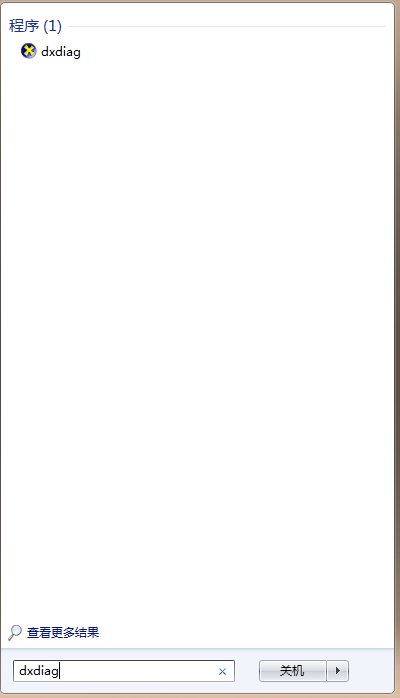
雖有自動更新,但殺毒軟體可能攔截,建議定期手動檢查:
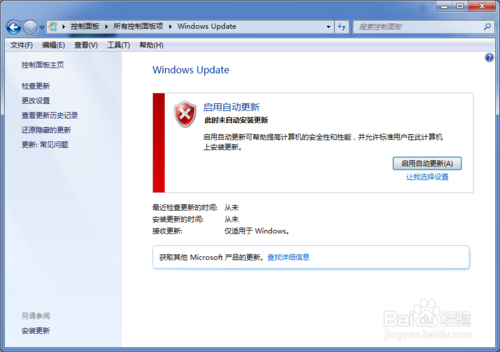
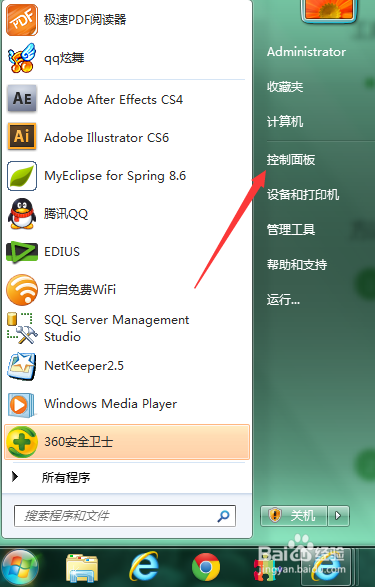

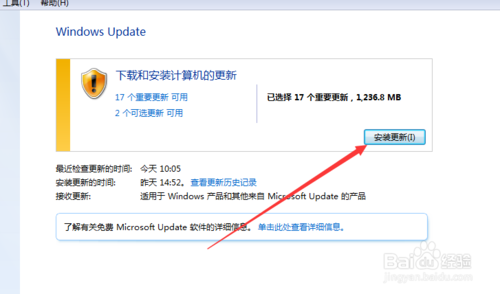

及時更新修補漏洞,守護系統安全。
Win10 截圖功能失效?修正「圖片」資料庫儲存路徑或登錄 User Shell Folders 即可恢復
永久阻擋 Win7/Win8.1 自動升級 Win10:登錄檔 Gwx 關鍵值一鍵封鎖
Win10 命令提示字元視窗如何設定半透明?屬性→色彩→不透明度 30%~100% 自由調整
Win8.1 藍牙裝置提示「已停用」但服務正常?裝置管理員啟用藍牙介面卡即可
Win7 開啟 U 盤提示「參數錯誤」?DiskGenius 掃描恢復檔案 → 複製救援資料,別急著格式化
Windows 10 Mobile/PC 週年更新 14385 快速環更新推送
Win7 ADSL/路由器撥號上網完整設定:分享器模式 vs 單機 PPPoE 兩種情境
Win10 獲取 Insider Preview 失敗 0x80072EF1 / 0x8008300?修改 DNS 為 8.8.8.8 秒解