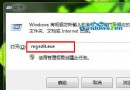
若 regedit 無法開啟,提示被系統管理員停用,請依下列步驟解鎖:
gpedit.msc 開啟「本機群組原則編輯器」。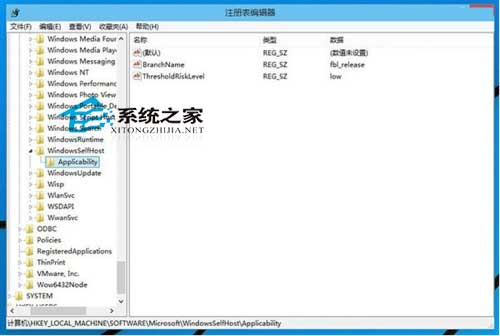
若登錄檔已被惡意修改,參考《Windows 10 登錄檔被修改如何還原》進行修復。
Windows 8 遺失 VC++ 執行階段 DLL (MSVCP/MFC/ATL) 解決方法:電腦管家一鍵修復
Win8.1 關閉家庭群組降低 CPU 佔用:停用 HomeGroupListener/Provider 服務
Win10 Edge 瀏覽器如何重裝?刪除套件資料夾 + PowerShell 重註冊 AppXManifest 徹底重置
Win10 任務列位置無法調整?組策略「鎖定任務列」導致灰色不可選解決法
Windows 7 升級顧問:安裝前必跑的免費相容性檢測工具
Win7 USB 安裝啟動碟製作教學:Microsoft 官方工具 Windows 7 USB/DVD Download Tool