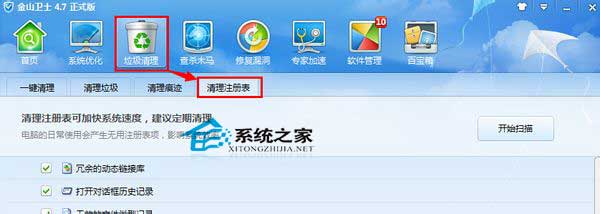
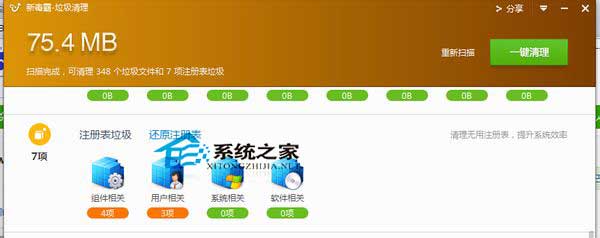
長期使用 Win10 會累積登錄檔垃圾,影響效能。推薦兩款免費工具清理:
定期清理登錄檔垃圾,可有效維持系統運作流暢度。
Win 10 安裝提示「此產品金鑰不適用於此版本 Windows」解決辦法:跳過輸入、安裝後再啟用
Win10 预览版 9901 任务栏搜索框默认文字自定义教程:注册表修改 SearchEditBoxText
Win10 啟動 Office 錯誤 0x80041023?Microsoft Toolkit 一鍵啟動
Win10右鍵菜單反應慢/卡頓的註冊表優化解決方案
Win10 6 大個人資料夾路徑錯誤合併?修復註冊表 User Shell Folders 恢復預設路徑
微軟確認推出 Win10 版官方 DVD Player 播放器應用:WMC 忠實用戶免費獲取
Win10 地圖應用顯示英文怎麼改中文?離線地圖重新下載法
Win8.1 應用程式無法開啟「無法開啟這個應用程式」三大故障與解決方案