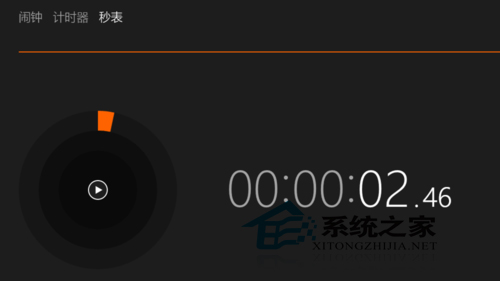
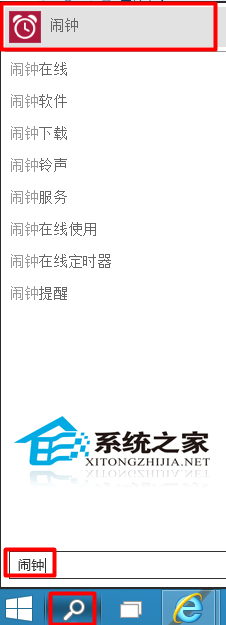
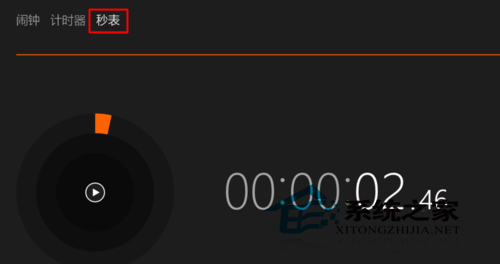
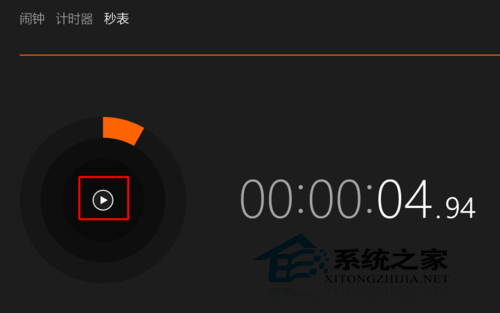
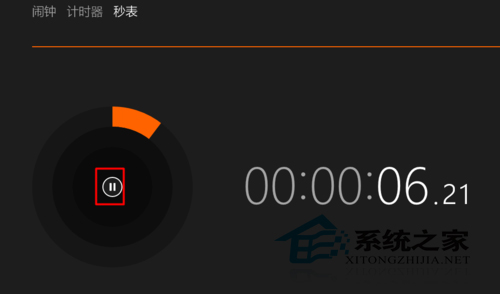
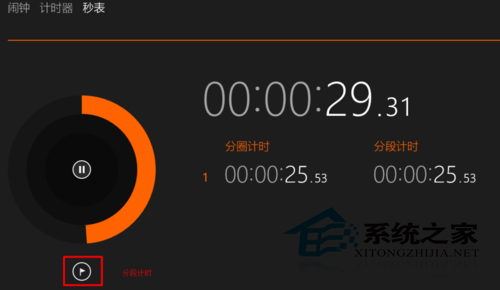
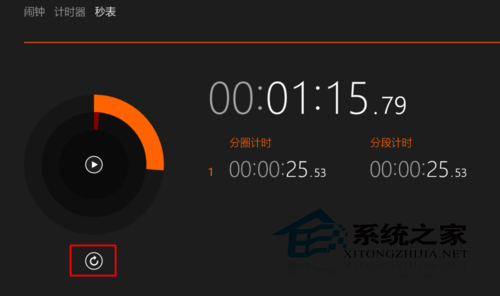
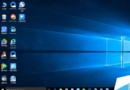
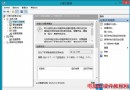
Win10 內建碼表程式,運動/考試常用。開啟方法:
Win10 碼表精確度高,具分段/分圈計時功能,適合測驗計時使用。
Win8 設定打字時顯示滑鼠指標:取消「輸入時隱藏指標」
WinXP 本機磁碟代號消失解法:資料夾檢視切換縮圖+Shift 鍵恢復
XP 系統修復 EXE 檔案關聯失效?自製批次檔匯入登錄表解決
Windows 免費資料夾加密:NTFS 權限 + EFS (加密檔案系統) 雙重保護,無需第三方軟體
Win8 開機進入 LOGO 畫面就自動重開機?三大修法:虛擬記憶體、快速啟動、硬體喚醒
校園網頻寬有限如何升級 Win10?先下載安裝包離線安裝再聯網啟用
執行 clipbrd.exe 提示找不到檔案?下載放入 System32 即可修復剪貼板檢視器
微軟公布 Win10 七版本差異:Win7/8.1 用戶首年免費升級家庭版、專業版、行動版