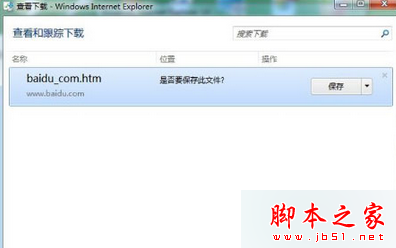
校園網速度慢、不穩,直接線上升級易中斷。建議採離線升級策略:
Setup.exe 進行離線安裝。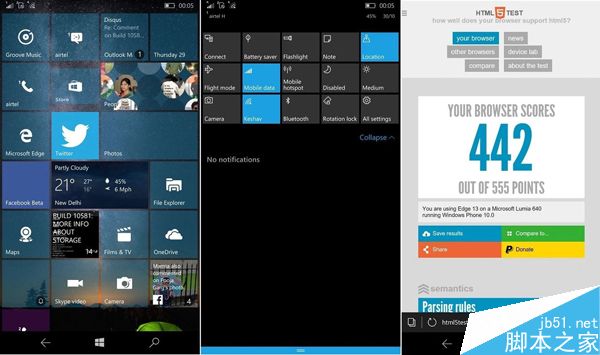
此法避免升級過程因網路中斷導致系統損毀,下載階段可利用多執行緒工具加速。
Windows 10 任務列 QQ 圖示不顯示解決辦法:通知區域設定顯示圖示與通知
Windows Server 2003 卷影副本實現網絡共享檔案還原
Win8.1 安裝輸入法卻顯示「無法使用的輸入法」?主因是微軟帳號同步衝突
Win7 開啟/關閉 Windows 防火牆教學:控制台圖文步驟與網路位置分類設定
Windows 7 安裝 Windows 8 雙系統完整教學:壓縮分區建立系統盤
Win7 宽带自动拨号开机连接:任务计划程序创建登录触发延迟 30 秒运行 rasphone.exe 拨号脚本
Windows 10 內建工具與免費升級註冊教學:Microsoft 帳號申請與登入指南
Win10 官方下載工具(Media Creation Tool)怎麼下載與使用?建立安裝媒體、ISO、直接升級完整教學