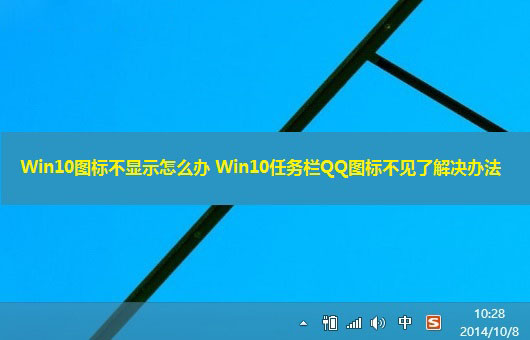
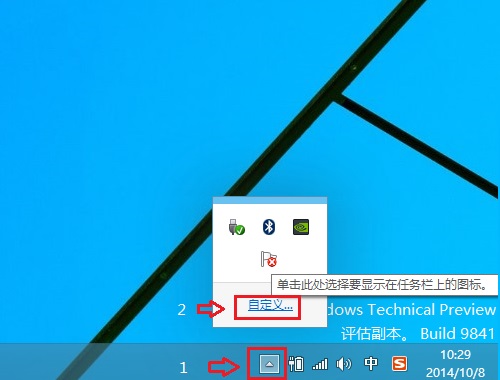
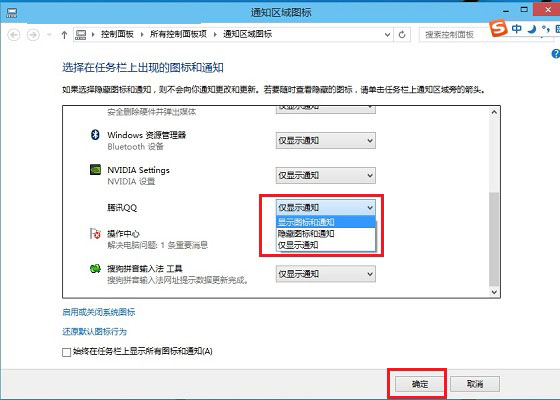
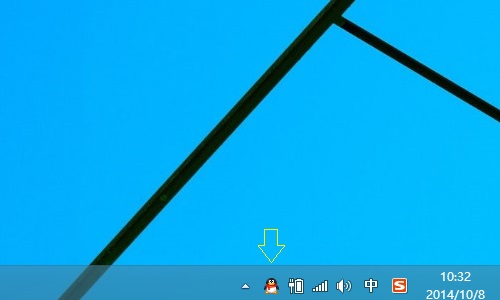
Windows 10 任務列 QQ 圖示預設隱藏,解決方法同 77220:
適用於其他常用通訊軟體(微信、釘釘、Telegram 等)。
Windows 10 Build 9926 純淨安裝極速體驗:i7+8GB RAM 僅 8 分鐘完成
Windows 關機方法大全:滑動關機、快捷鍵、命令列、第三方工具
海爾筆電 U 盤重裝 Win7 系統完整圖文教學:U極速啟動盤製作、GHOST 映像部署、BIOS 設定與驅動安裝
Win7 64位安裝會聲會影 8 提示「已安裝另一版本」解決法
解決 Win7 「無法建立庫」錯誤 16389:透過群組原則關閉限制
Win10 乾淨安裝只需三步!Microsoft 官方「易升」工具一鍵完成
Win10 抄襲 Win95?界面對比圖揭示微軟「熟悉感」設計哲學
Windows 快速鍵完全速查表:從基礎到進階,一張表看懂