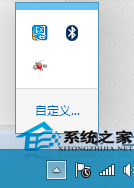
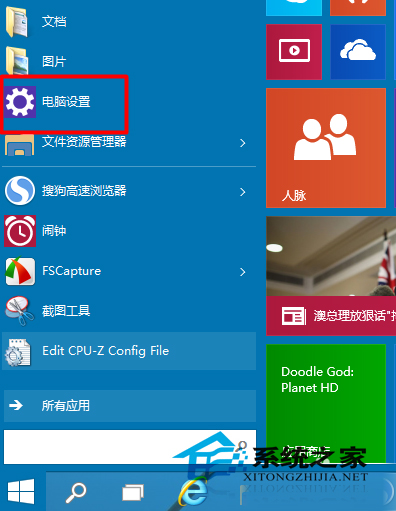
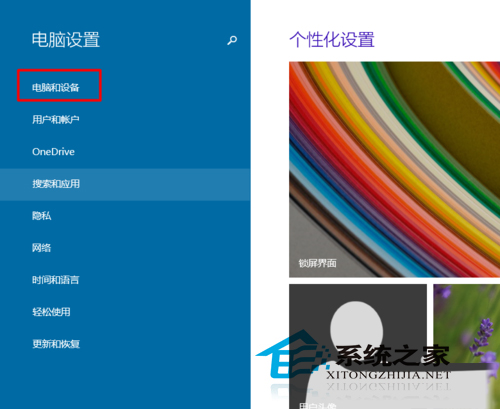
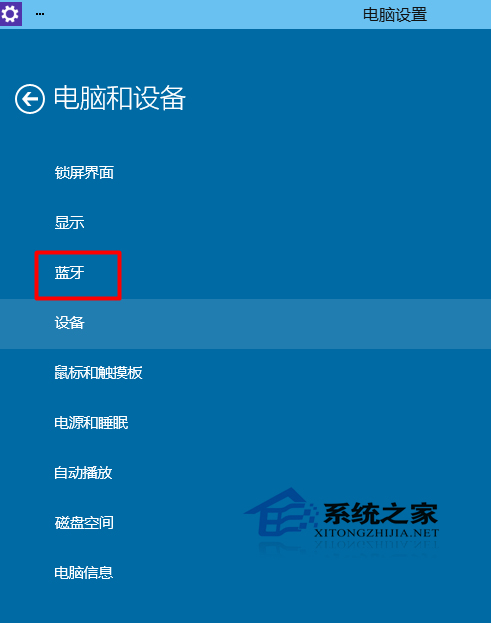
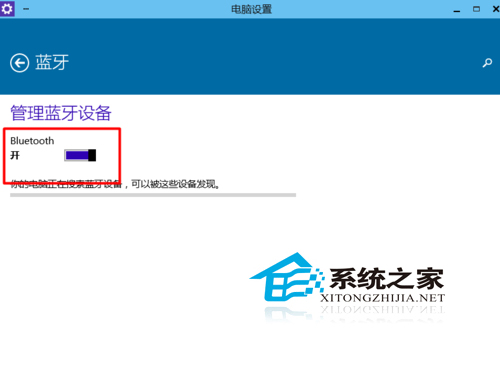
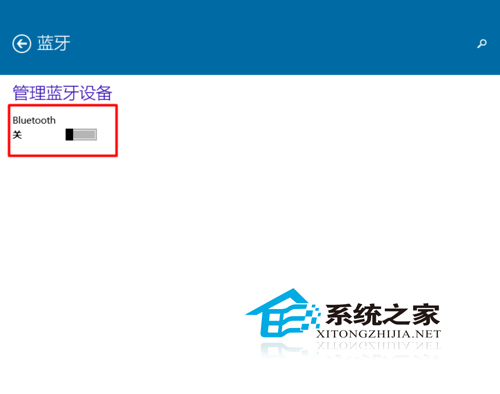
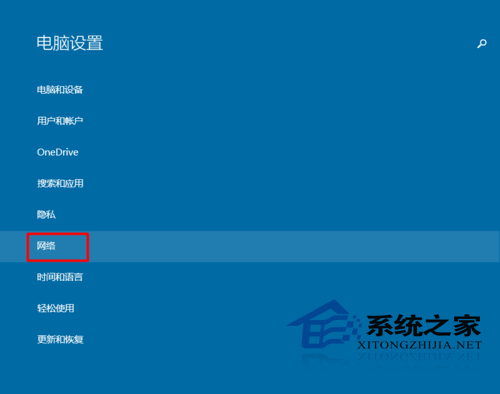
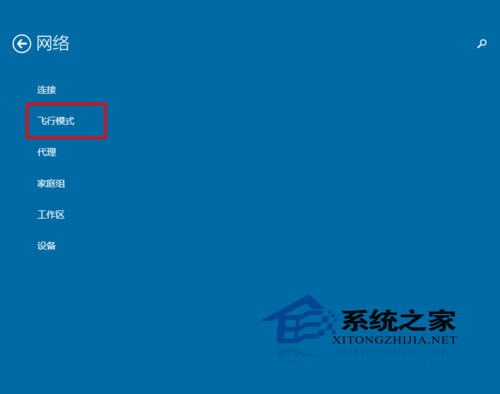
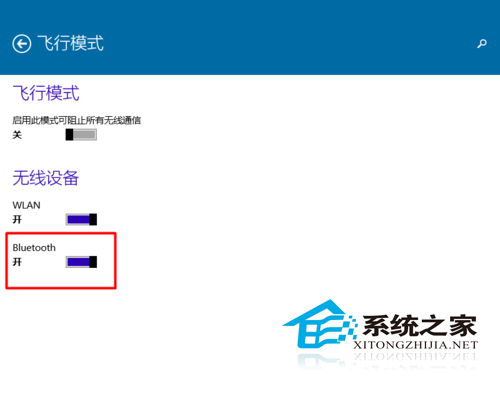
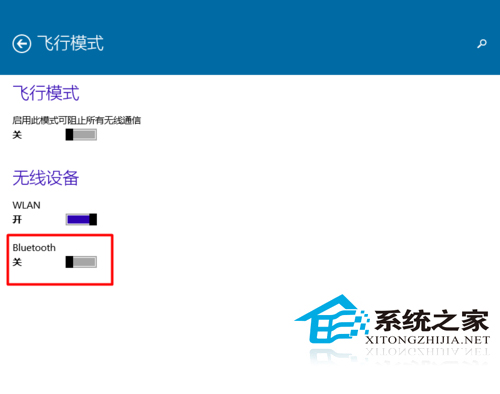
Win10 筆電藍牙模組預設啟用,若不需使用可透過以下兩種方式關閉以省電:
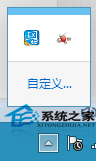
藍牙用途包括檔案傳輸、藍牙耳機、列印等;關閉後工作列通知區圖示將消失。
Win10 10102 解決 EasyBCD 不兼容問題:權限設定與相容模式雙管齊下
WinXP 刪除不需要的輸入法:透過控制台「文字服務與輸入語言」移除
Windows 10 隱私保護完整指南:七大關鍵設定最大化保護個人資料
Win7/Win8.1 免費升級 Win10 正版完整攻略:兩大途徑詳解
Win10 地圖應用無法開啟定位服務?啟用 Geolocation Service 系統服務恢復定位功能
Windows 10 資料夾圖示出現藍色雙箭頭?關閉 NTFS 壓縮與加密屬性即可移除
Windows 7 如何停用 IE 瀏覽器附加元件以提升瀏覽速度
Win10 無法還原回 Win7 怎麼辦?備份 windows.old 與 $windows.~bt 關鍵資料夾教學