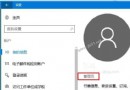
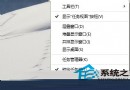
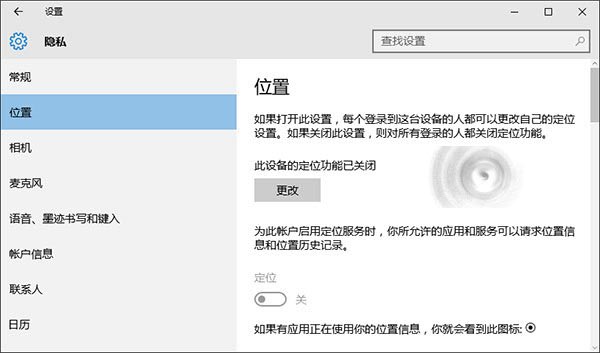
Win10 原生支援定位服務,但有時「設定→隱私權→位置」中的開啟鈕呈灰色無法操作,導致地圖等應用無法定位。主因是 Geolocation Service 系統服務未啟動,手動啟用即可恢復。
services.msc 開啟服務管理員。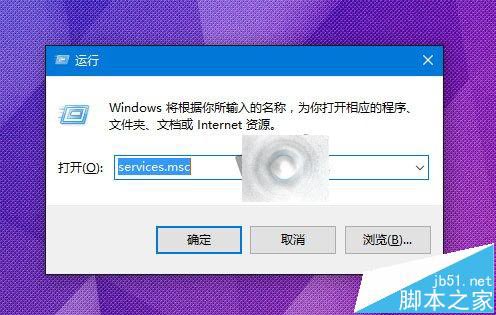
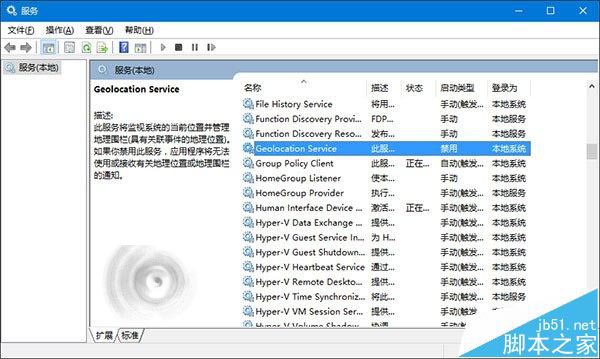
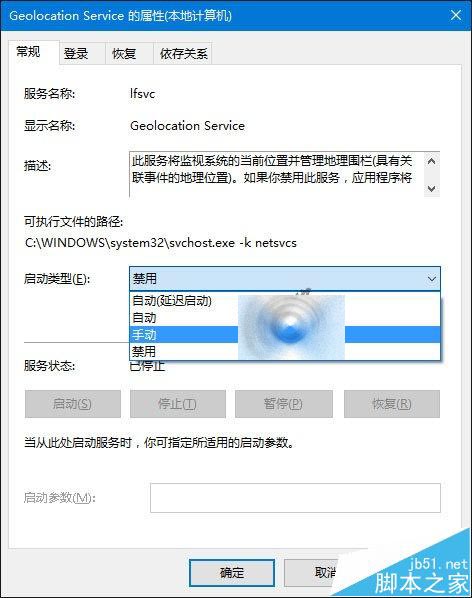
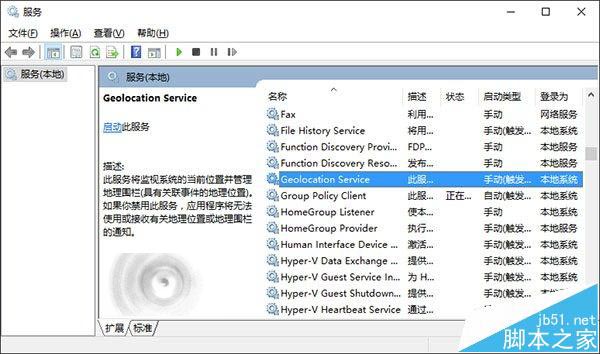
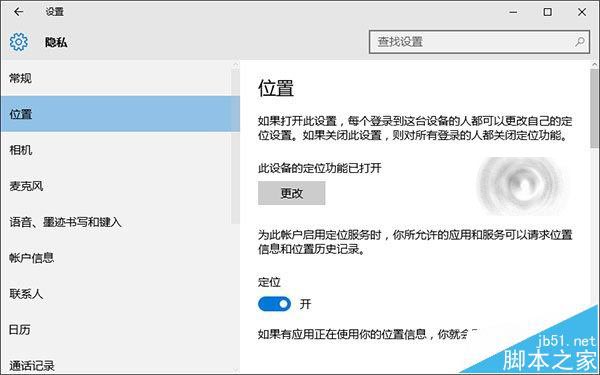
完成上述設定,地圖、天氣等定位應用即刻恢復正常運作。
相關推薦: Win10 如何手動開關定位服務? / Win10 地圖定位不準怎麼辦? / Win8.1 定位設定怎麼用?
Win8.1 不用第三方軟體給資料夾加密隱藏:批次檔 + 系統屬性雙重保護
Win10 Mobile 預覽版 14946 實測:流暢度提升但 Bug 仍多,建議硬重置
正版 Win8 升級 Win10 官方教學:透過 Windows Update 免費升級
Win10 螢幕亮度自適應開啟/關閉教學:控制台電源選項與 Sensor Monitoring Service 双重控制
Win10 PC 創作者更新 14986 新功能總覽:語音關機、Cortana 控制音樂、中文聽歌識曲、全螢幕待機、企業雲端列印、Edge 擴充套件更新等