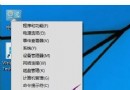
Windows 核心版本號 (NT Kernel Version) 能精確識別系統底層版本,對驅動相容性檢查、除錯分析、腳本撰寫至關重要。本文介紹三種無需第三方工具的原生查詢方式,適用於 Windows 7/8/10/11 及 Server 版本。
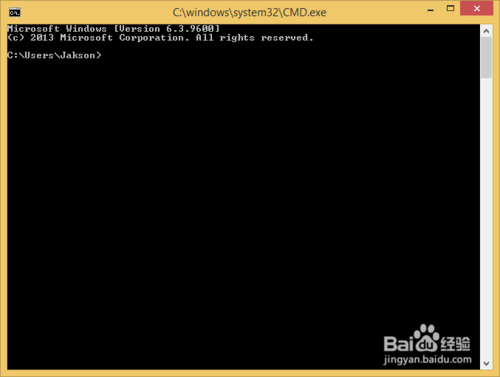
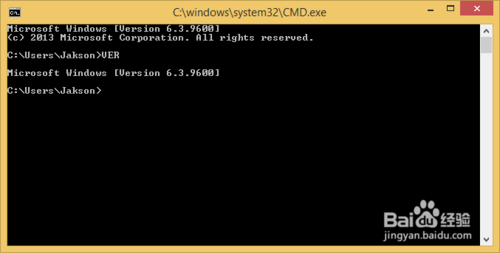
ver 指令(最快)cmd 按 Enter 進入命令提示字元。ver 並按 Enter,即顯示類似:Microsoft Windows [版本 10.0.19045.4291]10.0 為核心主版本,19045 為建置編號。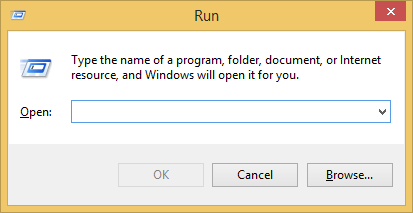
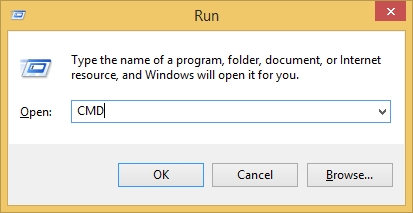
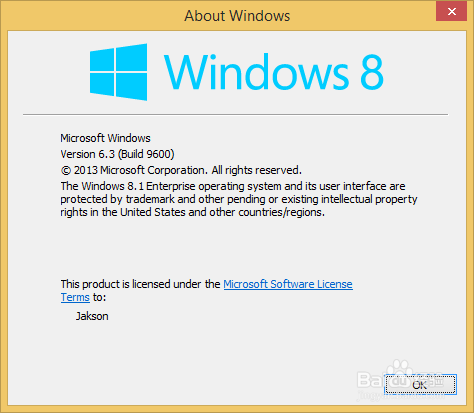
winver 圖形化對話框(最直觀)winver → Enter。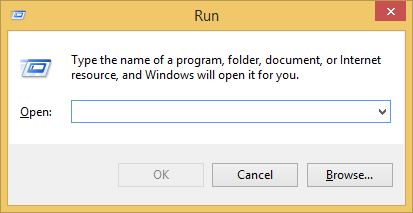
msinfo32(資訊最完整)msinfo32 → Enter。| Windows 版本 | 核心版本 (Major.Minor) | 典型建置編號範圍 |
|---|---|---|
| Windows 11 23H2 | 10.0 | 22631.xxxx |
| Windows 10 22H2 | 10.0 | 19045.xxxx |
| Windows 8.1 | 6.3 | 9600 |
| Windows 8 | 6.2 | 9200 |
| Windows 7 / Server 2008 R2 | 6.1 | 7600 / 7601 (SP1) |
| Windows Vista / Server 2008 | 6.0 | 6000~6002 |
| Windows XP / Server 2003 | 5.1 / 5.2 | 2600 / 3790 |
小提示:核心主版本號自 Windows 7 起固定為 6.x,Windows 10/11 則統一為 10.0,實際區別在於 建置編號 (Build Number) 與 UBR (Update Build Revision)。
盜版用戶升級 Win10 後每小時黑屏怎麼辦?微軟:盜版升級仍屬非官方版,需通過 Windows Store 付費轉正
Win10 設定預設顯示圖示而非縮圖,舊電腦開啟圖片資料夾不再卡頓
Win10 14385 雙擊程式卡頓?群組原則設定 UAC 提權行為為「不提示,直接提升」修復
Windows 10 隱私設定完整指南:關閉預設資料收集、保護個人資訊不外洩
Win7 修改 MAC 位址後無法還原?移除外接裝置並放電重開機即可恢復
Win10 提示「工作管理員已由系統管理員停用」怎麼辦?群組原則啟用教學