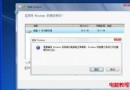
將桌面資料夾從 C 槽移至 D 槽可保護資料、騰出系統盤空間。操作:① D 槽建立「桌面」資料夾;② C:\Users\用戶名\Desktop 右鍵→內容→「位置」索引標籤→「移動」→ 選 D 槽新建資料夾→ 確定;③ 系統提示「是否移動檔案」選「是」→ 等待完成。移動前請關閉所有桌面開啟的檔案/程式。
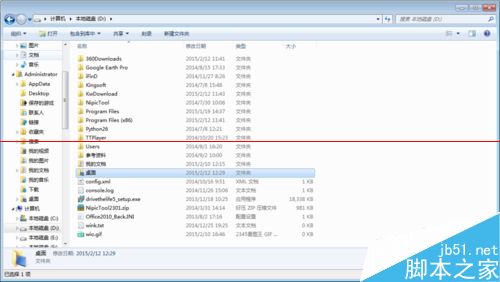
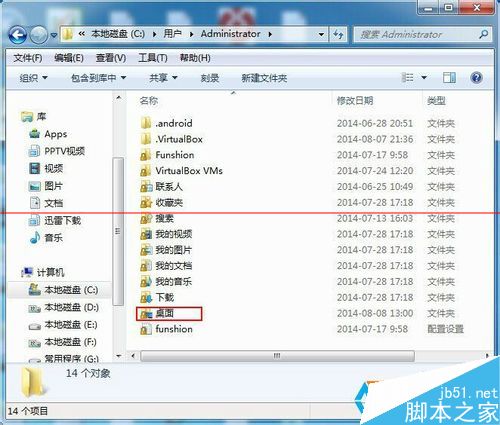
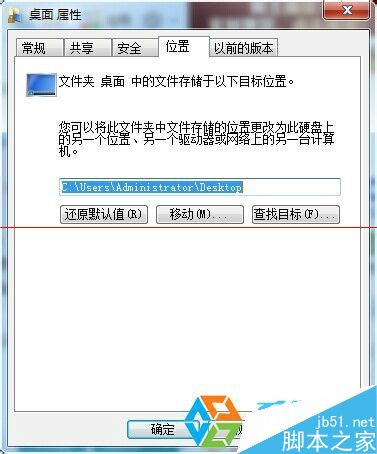
同法適用 E 槽或其他磁碟。遷移後桌面實體存放於新位置,系統盤瘦身明顯,重灌系統時桌面資料自動倖免。
Win10 Mobile 如何攔截騷擾電話與垃圾簡訊?內建「阻擋與篩選」完整教學
Win10 自訂鎖定畫面圖片:登錄檔法修改 LockScreenImage 完整步驟
Win7 資源監視器查看 QQ 好友 IP:網路分頁篩選 TCP 連線
Windows 7 無法進入安全模式?透過命令提示字元修復開機項
Win7 菜單顯示速度慢怎麼辦?注冊表修改 MenuShowDelay 加速響應
微軟:無法確定 Lumia 530 (4GB 儲存) 能否升級 Win10 Mobile
Win7/8/10 删除文件极慢?启用 Application Experience 与 Program Compatibility Assistant 服务修复