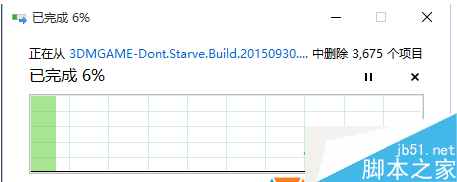
Win7/8/10 删除文件卡在“正在计算/发现项目”进度条不动,常因 Application Experience 与 Program Compatibility Assistant Service 两项服务被禁用。启用并设为“自动”即可恢复正常删除速度。
修复步骤
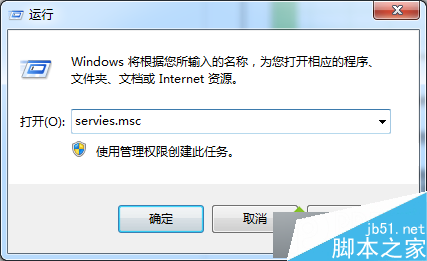
- Win+R →
services.msc 打开服务管理器;
- 找到 Application Experience 与 Program Compatibility Assistant Service;
- 双击各服务 → 启动类型改为 自动 → 点击“启动” → 确定;
- 若正常模式修改失败,进安全模式操作。
原理说明
- Application Experience:负责程序兼容性检测、UAC 虚拟化、文件操作兼容性重定向;
- Program Compatibility Assistant:监测程序运行兼容性问题并提示修复建议;
- 两者均参与文件删除时的兼容性上下文构建,禁用后 Shell 反复重试导致极慢。
排查补充
- 若启用服务无效,执行
chkdsk /f /r 检查修复磁盘坏道;
- 若仍慢,考虑硬盘老化/SMR 叠瓦盘写入放大/文件系统碎片严重,建议备份数据重装或更换硬盘。