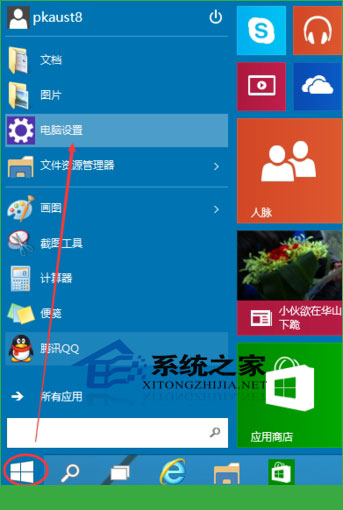
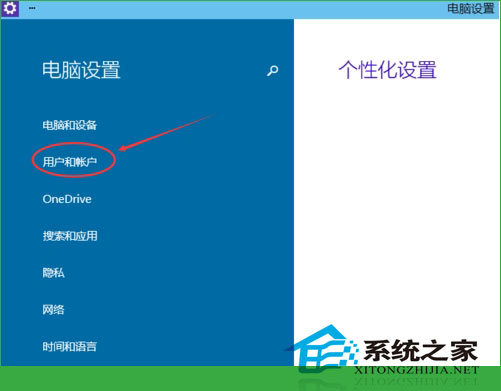
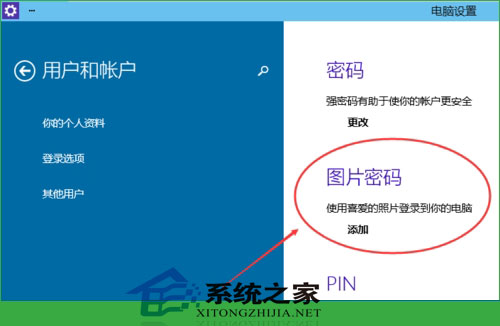
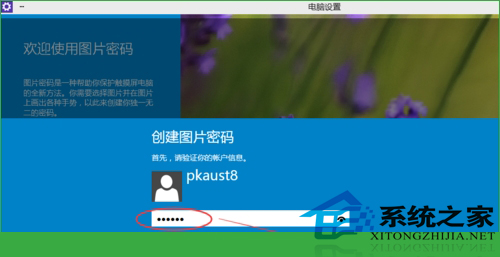
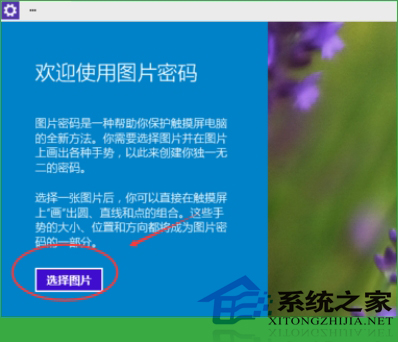
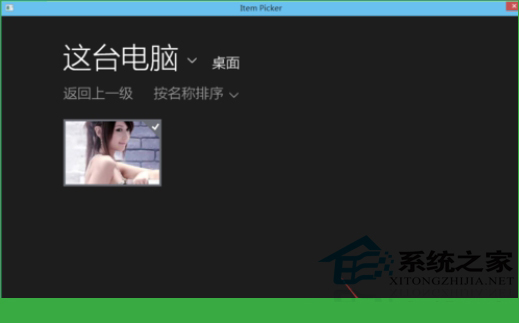
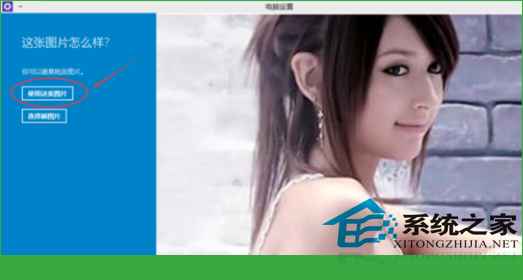
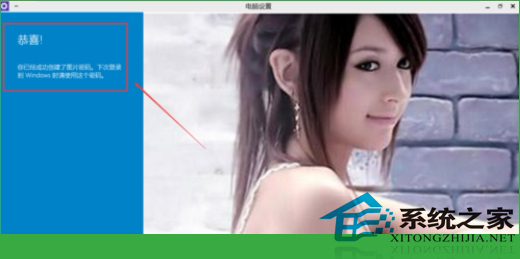
Win10 支援圖片密碼:在自選圖片上繪製三組手勢(點擊、直線、圓圈)作為登入憑證,兼具安全性與個人化。
提醒: 圖片選擇宜清晰辨識,手勢設定需好記且難被旁觀者模仿。
【圖賞】Windows 10 Build 10074 預覽版上手試玩圖賞:Cortana 介面、開始選單透明效果等
Win10 取消 PIN 碼登入、改用免密碼自動登入教學(netplwiz)
Win10 封鎖 CorelDRAW X8 強制登入畫面,刪除 RMPCUNLR.DLL 即可
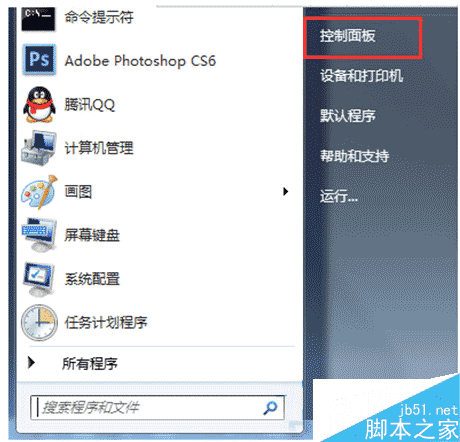
Windows 7 設定顯示圖片縮略圖:效能選項勾選「顯示縮略圖」
Win10 家庭版安裝隨身碟上架:約人民幣 770 元,較數位版貴
微軟:Win10 每年將推 2-3 次功能更新,服務性更新更頻繁
Win10 10550 建置版尚未推送?內部測試中,快速通道成員請耐心等待
善用 Win7 音效增強功能,打造家庭 KTV 卡拉 OK 體驗