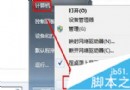
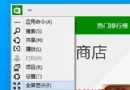
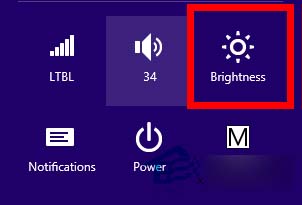
側邊欄旋轉鎖定選項消失,僅能調節亮度。
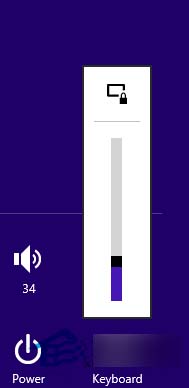
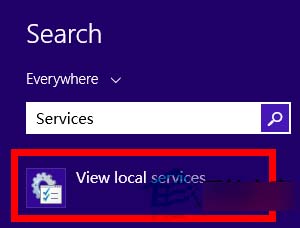
重新啟動後重力感應與自動旋轉功能應恢復正常。
Windows 10 中國區裝機必備 28 款應用揭曉:QQ、愛奇藝、微博、QQ 音樂、優酷 HD 等生活娛樂類為主
Win7 家長控制打不開?搜尋「家長控制」直接進入建立兒童帳號
Win10 Redstone (RS1) 重大更新已知新功能彙總:Edge 擴充功能、Continuum 無縫切換、高分屏縮放、Cortana 浮動、OneDrive 佔位符、ARM64 支持
Windows XP / 7 實現開機自動撥號上網:註冊表法與工作排程器法完整教學
Windows 10 任務列 QQ 圖示不見解決辦法:通知區域設定顯示圖示與通知
Win10/WP10 2015 發布會六大看點總整理:免費升級、手機版 UI、統一商店、安卓應用支援