當 Windows 7 無法正常開機,嘗試按 F8 進入安全模式卻失效時,若硬碟無重要資料建議重灌系統;若想保留資料,可使用 Windows 安裝光碟或 USB 開機修復開機配置。
1. 準備 Windows 7 安裝光碟或 USB 隨身碟,在 BIOS 中設定優先從光碟/USB 開機。
2. 進入安裝介面後,選擇「修復電腦」 → 「命令提示字元」。
3. 在命令提示字元中依序輸入以下指令(每行輸入完按 Enter):
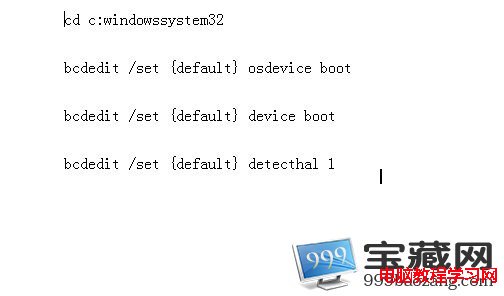
bootrec /fixmbr
bootrec /fixboot
bootrec /scanos
bootrec /rebuildbcd
4. 執行完成後重新啟動電腦,應可正常進入安全模式或正常開機。
若無光碟,亦可進入 WinPE 環境執行相同指令修復。
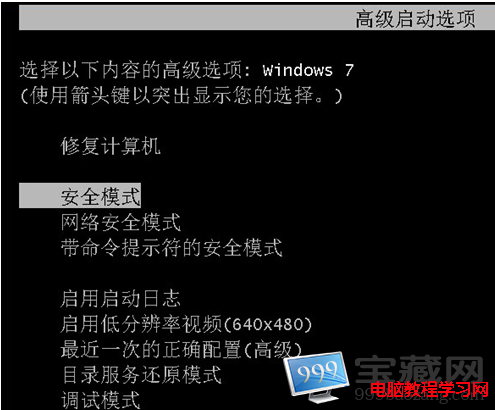
此方法可修復損壞的 MBR、開機磁區及 BCD 存放區,解決無法進入安全模式的問題。