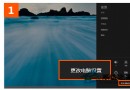
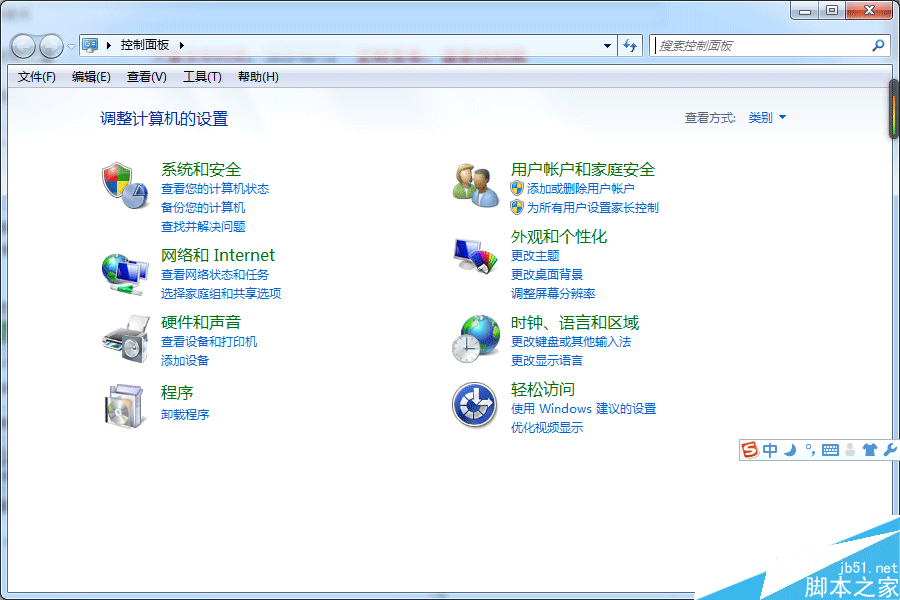
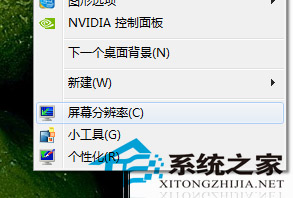
螢幕色彩好壞直接影響視覺體驗。Win7 內建「顯示器色彩校正」精靈,無需第三方軟體即可專業調校:

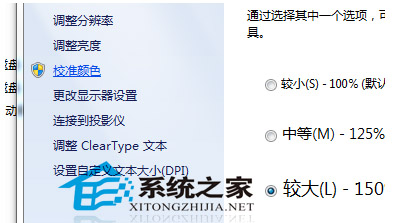
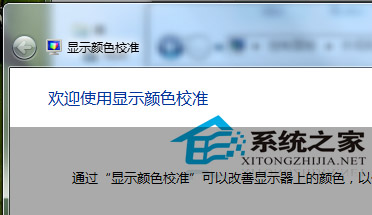


完成後儲存新校正設定檔。無論看圖、打遊戲、賞片,皆能獲得更精準、舒適的色彩呈現。
XP 架設 ASP 網站錯誤 0x8ffe2740 解決:修改 IIS 埠號避開衝突
Windows 8 修改 IE 暫存檔儲存空間:限制佔用、定期清理雙管齊下
Windows 10 筆電觸控板關不掉?裝置管理員停用 HID 相容觸控板、或觸控板專用軟體 (Synaptics/ELAN) 禁用
Win10老遊戲無法全屏?註冊表修改縮放模式 + 啟用 DirectPlay 兩步破解
Win10 小冰怎麼開啟?透過小娜搜尋框輸入「小冰」喚醒文字聊天機器人
Win10 安裝與設定 JDK 8 環境變數完整圖文教學 (JAVA_HOME、PATH、CLASSPATH)