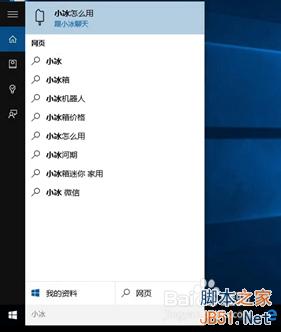
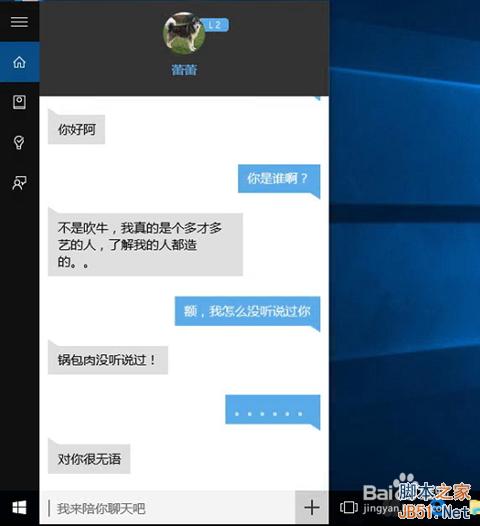
Win10 內建微軟 AI 聊天機器人「小冰」,目前僅支援文字互動(不支援語音)。喚醒方式極簡單:在 Cortana(小娜)搜尋框輸入「小冰」並按 Enter,或點選搜尋建議「小冰怎麼用」,即可召喚小冰進行日常聊天。
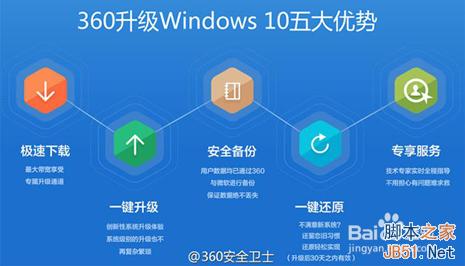
注意:升級遇問題可上 360 Win10 論壇或致電 400-631-6360 詢問專家。
Win10 如何重設 IE11 瀏覽器?Internet 選項→進階→重設完整圖文教學
Windows 10 Mobile 10149 更新日誌:Edge 品牌啟用、地址列移底部、UX 改善、Cortana 筆記本、手電筒、相簿 GIF、OneDrive 自動上傳
Win8 設定/修改 IP 位址:右鍵網路圖示→網路和共用中心→更改介面卡設定→內容→IPv4→手動輸入 IP/閘道/DNS
Win8 如何將時間格式從 12 小時制改為 24 小時制?區域設定圖文教學
Win10 開機跳過鎖定畫面直進桌面:群組原則/登錄表雙法設定
Win7 ADSL 撥號錯誤 711 徹底解決:批次檔 + 群組原則設定開機自動修復