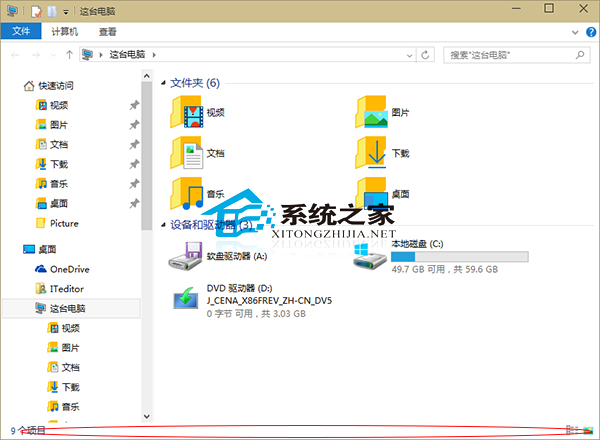
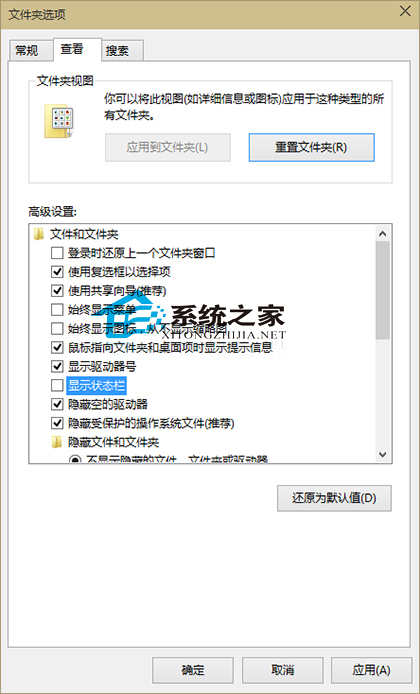
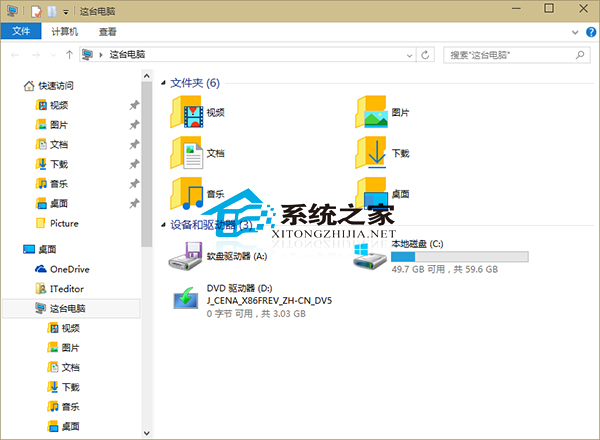
Win10 開啟資料夾預設顯示底部狀態列(顯示檔案數量、大小等),嫌佔空間可隱藏:
若反而想看更多資訊(如檔案大小提示),可參考「Win10 讓資料夾提示檔案大小」教學。
Windows 7 瀏覽器無法彈出 CMCC-EDU 登入頁?廣告攔截攔截彈出視窗
Win8.1 升級內建郵件/行事曆/人脈應用,透過 Microsoft Store 取得新功能
Win10 禁止系統自動更新教學:官方 wushowhide 工具隱藏特定更新
Windows 作業系統版本演進完整回顧:從 1.0 到 Server 2008
Win7 快捷鍵 Ctrl+Alt+Del 無法開啟工作管理員修復方法
Win7 重啟藍屏 beginning dump of physical memory 完整排查:記憶體、散熱、硬碟、硬體相容六大方向
Windows 7 假死/當機成因分析與三大情境解決方案
Windows 8.1 關閉螢幕亮度自動調節,保持亮度恆定